
How to clean PS5 safely starts with a complete shutdown and an unplugged power cable—not a screwdriver or a blast of compressed air. PlayStation’s published guidance recommends a soft, dry cloth for exterior surfaces and a low-powered vacuum for dust around the vents. The goal is to restore airflow without pushing dirt deeper into the console or risking damage to internal components.
What You Need Before Cleaning a PS5
- A clean, soft, dry microfiber or other lint-free cloth for the outside of the console.
- A low-powered vacuum with an appropriate small attachment for accumulated dust around air vents.
- A clear, stable surface and enough light to see the ventilation openings.
- Time for the console to cool after a gaming session.
Avoid household sprays, solvents, chemical wipes and wet cleaning near openings. Do not insert metal objects, cotton swabs or sharp tools into ports or ventilation slots. Deep internal servicing is a separate repair task: a routine dust cleanup does not require opening the power supply, removing the fan or dismantling electronics.
How to Clean PS5: Safe Exterior and Vent Steps
1. Shut down and disconnect everything
Turn the PS5 off fully rather than leaving it in Rest Mode. When the system is no longer running, disconnect the AC power cord from the rear of the console, then unplug accessories as needed. Allow the hardware to cool. Sony specifically says to disconnect the AC cord before clearing vent dust.
2. Wipe the outer surfaces with a dry cloth
Use a gentle, dry microfiber cloth to remove settled dust and fingerprints from the console’s exterior. Support the console so it cannot slip. Use light strokes rather than pressing hard on trim, vents or glossy surfaces. If a mark does not lift easily, do not escalate to an unapproved solvent: cleaning products can alter the surface finish.
3. Remove dust from air vents carefully
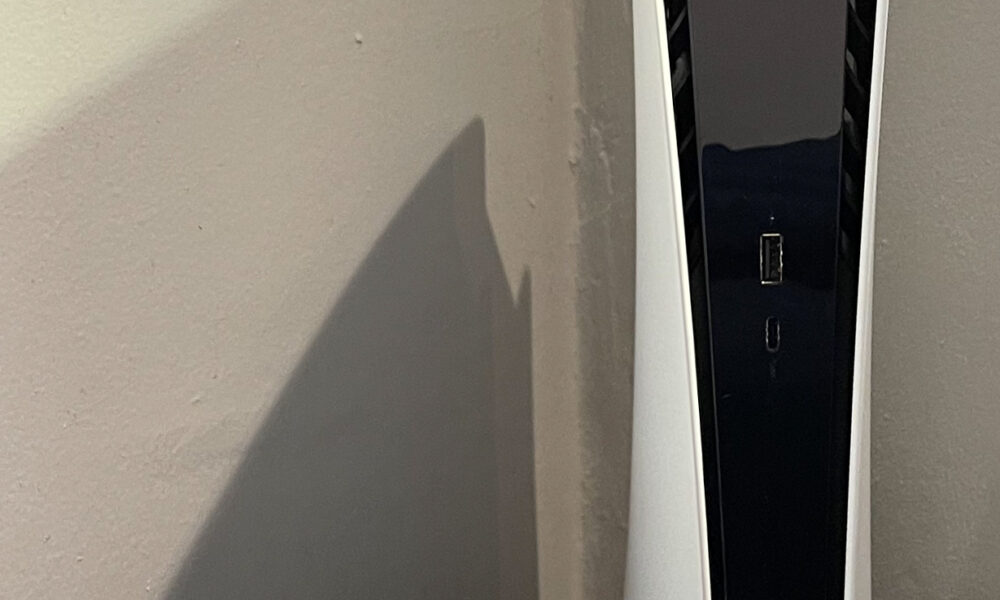
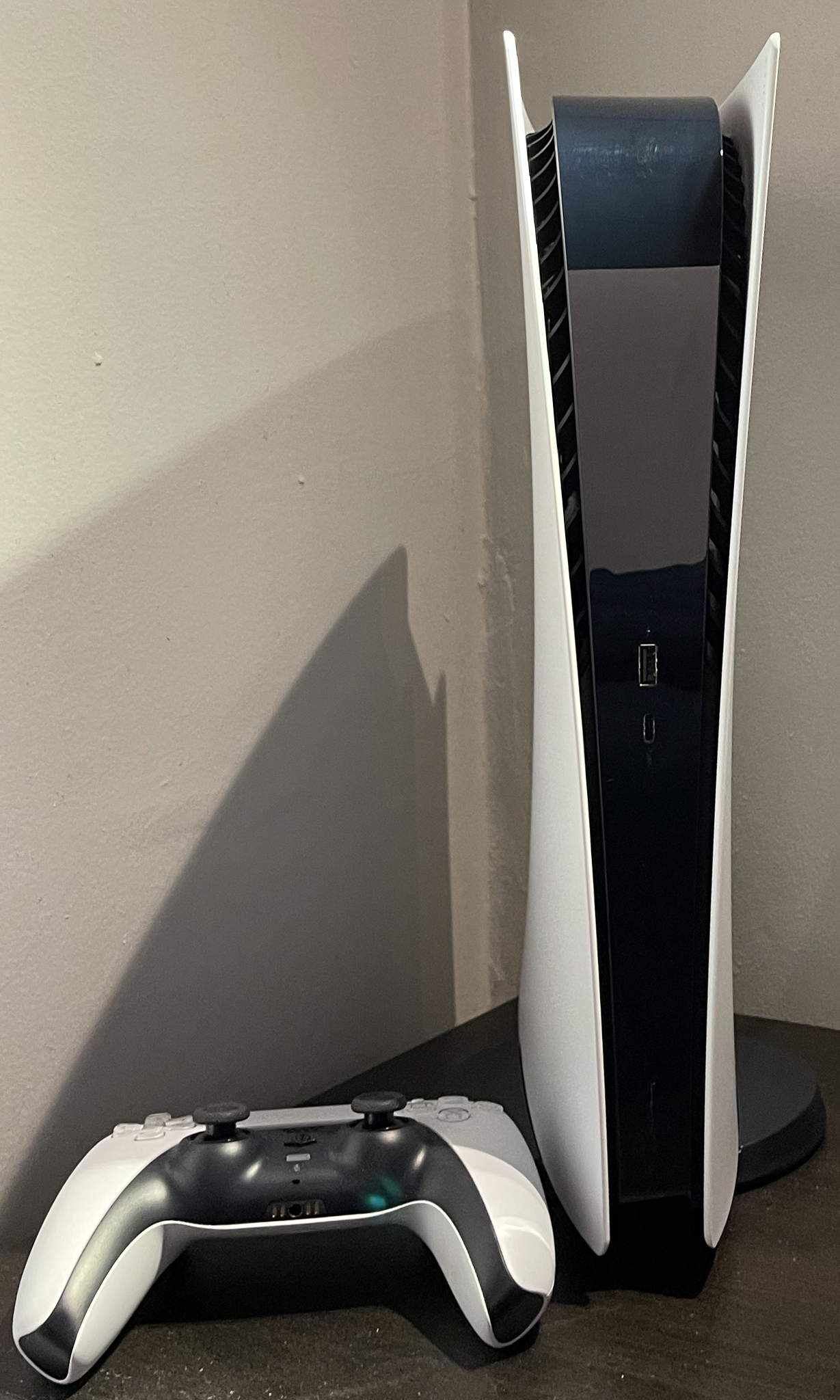
Check the sides and rear of the PS5 for visible lint or dust. With the console unplugged, use a low-powered vacuum around the vent openings. Keep the nozzle controlled and avoid scraping plastic edges. Sony’s official fan-noise support page explicitly recommends this approach to reduce accumulated vent dust.
4. Check the area around the PS5
Dust returns quickly if the console sits on carpet, next to a wall or in a cramped cabinet. PlayStation advises leaving at least 10 cm of clearance around each side, keeping vents unblocked and avoiding long-fiber rugs. Clean the shelf around the machine too, so the console does not immediately draw in the same debris.
5. Reconnect and observe the console
After cleaning, place the console in a ventilated position, reconnect power and cables, then start it normally. A fan that speeds up during a demanding game is not automatically defective: Sony says the cooling fan may simply run faster to manage temperature. Check whether unusual noise persists and whether the console shows an overheating warning.
Should You Remove the PS5 Covers?
For routine cleaning, wiping and vacuuming the accessible outside of the system is the lower-risk starting point. Some Sony safety guides for specific PS5 model families describe removing the covers to clear dust trapped beneath them with a handheld vacuum. That is not permission to dismantle the electronics. Cover design, release points and instructions differ between PS5 hardware revisions. If you choose to remove a cover, first identify your exact model and follow its official PlayStation safety manual; disconnect all cables and let the machine cool. Never run a PS5 with covers improperly fitted.
Do not assume a tutorial for the original tall PS5 applies identically to a newer slim-model or other revision. If a cover resists or you cannot locate an official instruction for your model, stop rather than forcing it.
What Not to Do When Cleaning a PS5
| Avoid | Why | Safer choice |
|---|---|---|
| Spraying liquid onto vents or ports | Liquid can enter the system | Keep electronics dry and clean the exterior with a dry cloth |
| Scraping vents with metal tools | May damage plastic or components | Use controlled, low-power suction outside the vents |
| Opening the power supply or removing internal assemblies | Electrical and repair risks | Use official instructions or qualified service |
| Cleaning while powered or hot | Shock and burn hazards | Switch off, unplug and cool first |
| Blocking vents inside a cabinet | Reduced airflow and increased heat | Allow room around the console |
When Cleaning Is Not Enough
If the PS5 repeatedly displays temperature warnings, shuts down unexpectedly, emits unusual mechanical sounds or has visible damage, do not treat basic dust removal as a guaranteed repair. Document the symptoms and contact PlayStation support or a qualified service provider. An overheating problem might involve environmental airflow, accumulated dust or a component fault, and an article cannot diagnose which one applies to your unit.
For a DualSense that will not charge, our PS5 controller charging guide covers cable and Rest Mode checks separately. For dirt in a USB-C socket, read our charging-port safety guide before attempting to remove debris.
Frequently Asked Questions
Can I use a vacuum cleaner on my PS5?
PlayStation recommends a low-powered vacuum to remove dust in and around air vents after unplugging the console. That does not mean placing a powerful household nozzle inside the machine or disassembling it.
Should I use compressed air inside the PS5?
Sony’s referenced vent-cleaning instruction calls for low-powered suction. Compressed air can shift dust to less accessible locations, so this guide does not recommend blowing air into the console as a substitute for the manufacturer’s method.
How often should I clean PS5 vents?
There is no single interval suitable for every room. Inspect ventilation openings periodically, especially if you have pets, visible dust buildup or a console located near fabric surfaces. Clean only when needed and keep the surrounding area dust-free.
Does cleaning a PS5 make games run faster?
No universal performance boost is guaranteed. Cleaning blocked vents can help restore proper airflow, but fan speed and gaming performance also depend on workload and hardware condition. Do not present normal fan noise as proof of a fault.
Can I clean the PS5 while it is in Rest Mode?
No. Fully shut it down and unplug the AC cable before cleaning the console or its vents, following PlayStation’s safety guidance.
Reviewed October 11, 2026. Safety advice checked against PlayStation’s official US PS5 fan-noise support page and published PS5 model safety guides. No hardware test was performed by AVARIXO.

Other Articles