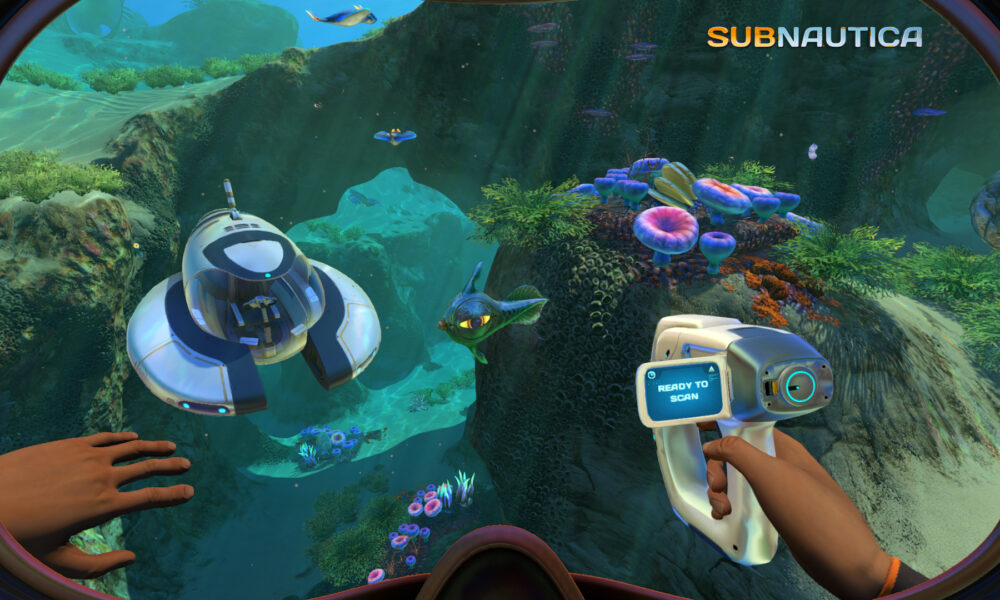

Quick answer: Subnautica on Steam is a single-player underwater survival adventure on an alien planet. Start by learning oxygen management, repairing your Life Pod, gathering food and water, scanning equipment fragments and expanding your reach with vehicles. The Steam listing supports Windows and macOS and notes full controller support; your exact hardware and operating system should be checked against the current store requirements.
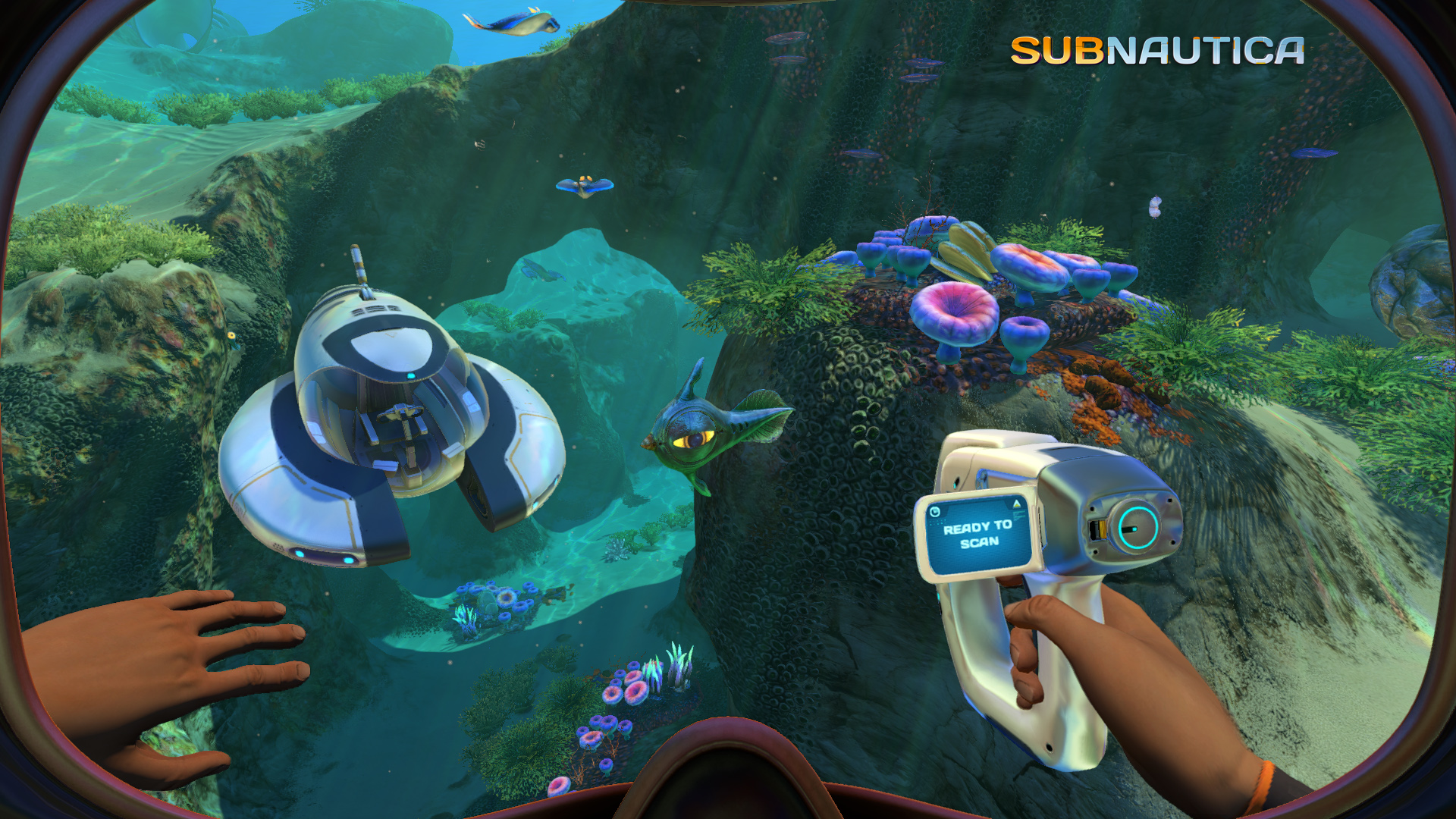
subnautica steam: quick facts
| Feature | Details |
|---|---|
| Developer | Unknown Worlds Entertainment |
| Original full release | January 23, 2018 |
| Primary genre | Single-player underwater survival adventure |
| Supported Steam platforms | Windows and macOS, per current store listing |
| Main challenge | Oxygen, supplies, hostile marine life and exploration |
| Major equipment | Scanner, habitat builder, Seamoth, PRAWN Suit and Cyclops |
Subnautica on Steam: what do you actually buy?
The original Subnautica is a complete stand-alone game about surviving on the alien ocean planet 4546B, exploring its ecosystem and discovering why your spacecraft crashed. The Steam product is not a multiplayer matchmaking service and does not require ownership of the later game Subnautica: Below Zero. Its world can be approached at your own pace, mixing exploration with crafting and story discoveries. Check the current Steam page for price, operating system support and optional soundtrack items before buying. Avoid confusing the base game with bundles and separately released sequels.
Understand the first ten minutes
You begin near your damaged Life Pod with limited equipment. Instead of swimming toward the deepest nearby cave, inspect your survival meters, collect simple materials and learn how to return to air. The opening tutorial introduces gathering, using the Fabricator and repairing basic functions. Your first goal is not to build an enormous submarine. It is to maintain food, water and oxygen reliably enough to take short trips. A cautious swim around the Safe Shallows lets you practice recognizing useful resources and returning before the oxygen countdown becomes urgent.
Oxygen is your first hard limit
Early equipment gives you only a modest amount of breathable time underwater, so depth and distance are important. Plan routes around how long it takes to return to the surface or a safe air source. A new player may focus entirely on a resource fragment and forget the return journey. Later tanks, base modules and vehicles make longer trips possible, but upgrading them does not remove every risk. Watch the oxygen gauge throughout your dive and retreat with a reserve instead of waiting until the last few seconds. Be especially careful entering caves with only one confusing exit.
Food and water need different planning
Swimming and exploration demand survival supplies. The game provides ways to obtain drinkable water and prepare food using resources from the ecosystem. Learn the options your Fabricator currently offers instead of hoarding random fish with no plan. Some cooked food has limited usefulness over time, so carrying supplies suited to your trip makes more sense than filling every slot. The goal is a repeatable routine: gather what you need, eat or drink before diving, and return to a safe place when your supplies become low.
The scanner turns discoveries into useful blueprints
The Scanner is central to Subnautica’s progression. You can scan many fragments of technology to unlock equipment or vehicle blueprints, as well as investigate organisms and the environment. A promising wreck often contains pieces of useful machinery, but it may also have dangerous passages or limited air access. When scouting a wreck, make a mental note of its entrances and avoid squeezing into a long tunnel without a clear exit plan. Scan with purpose rather than trying to catalog every object before you can safely reach the surface.
Craft tools before chasing spectacular locations
A repair tool, appropriate diving equipment, basic storage and other early devices reduce common problems. If you are repeatedly running out of oxygen, solve that bottleneck before trying to reach a dramatic deep-sea landmark. As your blueprints improve, the Habitat Builder and more specialized tools become useful for constructing facilities. Subnautica rewards practical problem-solving: ask which equipment would make the next exploration trip safer or more productive, then gather materials for that item. This is more efficient than attempting to fabricate every available object as soon as its recipe appears.
Where to build your first small base
A good starter base balances shallow water, nearby resources and easy navigation. Keep its initial layout simple, with enough space for storage and basic systems. Later expansions can add important rooms, power and specialized functions, but a gigantic early structure may consume scarce materials. Watch hull integrity as you attach more components, especially at increasing depth. A base can be valuable as a staging point that replenishes oxygen, stores supplies and provides a familiar return location between risky trips.
Seamoth, PRAWN Suit and Cyclops serve different roles
The Seamoth is a maneuverable small submersible useful for traveling and exploring many regions. The PRAWN Suit is a more specialized vehicle suited to demanding environments, and the Cyclops is a much larger submarine with different navigation and management needs. They are not simply bigger versions of the same tool. Each has depth and upgrade considerations, energy limitations and practical trade-offs. Choose which vehicle addresses your next objective rather than assuming the most expensive blueprint must always be constructed first.
Why depth changes the way you prepare
Deeper biomes often contain rarer resources and new story locations, but also introduce stronger environmental risks and more threatening creatures. Upgrade the depth capability of your equipment and carry suitable power and recovery supplies before descending. A vehicle that works perfectly in shallow water may not safely reach every cave system. Do not assume every creature is hostile, but keep enough distance to learn how it behaves. Good reconnaissance and a clear return route are more useful than a map covered in secret coordinates that spoil the adventure.
What Steam Cloud and local saves mean
The Steam storefront lists Steam Cloud support for Subnautica, but the existence of a cloud feature is not a guarantee that every locally modified file, mod or corrupted save will automatically be preserved. Check whether synchronization is enabled and completed before changing PCs. If you experiment with mods or custom settings, keep a separate known-good backup using supported methods. Avoid downloading unknown save files that claim to unlock everything. Steam’s built-in game-file verification can help with some installation problems, but it does not repair every damaged save or mod conflict.
Does Subnautica have co-op on Steam?
The base Subnautica listing is single-player. Community projects sometimes add unofficial multiplayer behavior, but those are not the same as official built-in co-op and may introduce instability or security risks. If your priority is exploring with a friend, do not buy the base game based solely on an unsupported video claiming effortless native cross-platform multiplayer. Research the exact version and the trustworthiness of any community mod before installing it. The default experience is intentionally focused on one explorer’s survival and discoveries.
PC requirements and controller support
Steam currently lists Windows and macOS versions, full controller support and specific hardware requirements on the official product page. These values can change with game builds or operating-system support, so read the live listing rather than copying ancient requirements from a forum post. Update graphics drivers through your device maker, avoid running many heavy programs while testing performance and reduce demanding video settings when necessary. Controller support does not guarantee that every Bluetooth device maps perfectly on the first attempt; check Steam Input and in-game bindings.
First-hour checklist
Use short loops: repair essential equipment, learn water and food production, craft a scanner, catalog a few useful fragments, build an oxygen reserve and identify a safe route back to your Life Pod. Do not rush toward high-threat creatures simply because their silhouettes look intriguing. Spend a minute organizing storage before each long trip. Once you can make these basic decisions without panicking, start exploring the world more widely and building a small base. The mystery unfolds naturally through exploration, and learning to survive is part of what makes the later discoveries meaningful.
Related games and official sources
The official Subnautica Steam listing confirms the core survival systems, platforms and controller information. If you prefer outer-space exploration rather than underwater survival, our No Man’s Sky guide covers a different science-fiction sandbox. If you are comparing Steam libraries with console storefronts, see our Steam on Xbox explanation. Store ownership and platform compatibility must be checked independently.
Frequently asked questions
Is Subnautica free on Steam?
No. The base game is a paid Steam title, with prices varying by region and promotions.
Does Subnautica on Steam support multiplayer?
The normal product is single-player; community multiplayer modifications are unofficial.
Can I use a controller?
Steam lists full controller support, subject to your actual device configuration.
Is Below Zero included with Subnautica?
No. Below Zero is a separately released follow-up adventure.
Is it available on Mac?
The current Steam listing indicates macOS support in addition to Windows; check current system requirements.

Other Articles

How to Find a Wi-Fi Password on iPhone: Current and Saved Networks