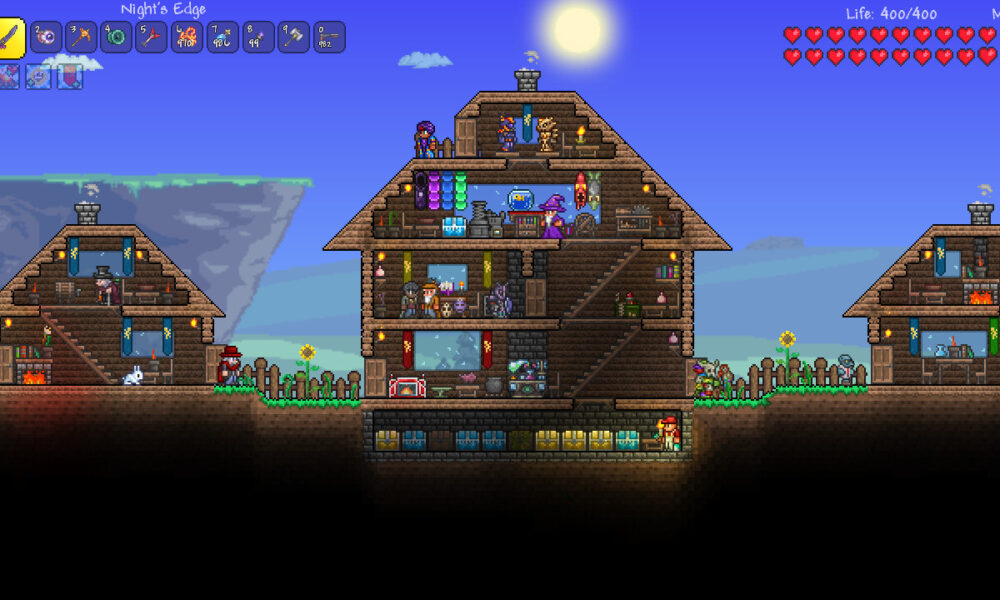

Quick answer: Terraria’s Steam edition is a paid Windows, macOS and Linux sandbox game with single-player and cooperative multiplayer. It offers controller support, Steam Cloud and frequent free content updates. Unlike the Switch edition, the PC ecosystem also includes dedicated server tools and the separate tModLoader modding workflow. Check compatibility of mods with your particular game version before using them.
terraria steam: quick facts
| Feature | Details |
|---|---|
| Developer | Re-Logic |
| Steam release | May 16, 2011 |
| Platforms | Windows, macOS and Linux |
| Modes | Single-player, multiplayer and co-op |
| Steam features | Cloud saves, achievements, full controller support |
| Modding pathway | tModLoader, distributed as a separate tool |
What is different about Terraria on Steam?
The core Terraria experience remains a side-scrolling game about digging, building, fighting and progressing through increasingly difficult bosses. The Steam release, however, provides PC-oriented options that are not identical to every console edition: keyboard and mouse controls, its own server workflows, access to compatible mods through third-party or Steam-supported systems and account-based achievements. Your purchase belongs to your Steam account rather than a Nintendo eShop account. If you already own Terraria on Switch, buying it on Steam is a separate platform purchase, not a universal free upgrade.
Install the game through the real Steam client
Sign in to Steam through the official desktop application, visit Terraria’s listing, purchase the game if needed and install it from your Library. Avoid fake ‘Terraria Steam free key’ sites or installers offered through shortened links. Steam can handle game updates automatically under your settings, although download schedules and available storage still matter. If the game fails to launch, verify the installation and check the relevant operating-system requirements before trying random compatibility tools from an unknown forum.
Windows, Mac and Linux compatibility
Steam lists Terraria for Windows, macOS and Linux, plus relatively modest historical minimum requirements. Modern operating systems and hardware can behave differently from versions named in old requirement sections, so checking platform-specific reports may still be useful. Controller support is listed as full, but input layouts can vary across devices. If your system is a Mac, verify the version you own and any current Apple Silicon or graphics compatibility notes before promising a friend that every old PC game runs identically. Do not confuse a Steam listing’s platform badges with a guarantee about every computer.
Your first world and character
Start with a manageable world size and a difficulty that suits your experience. Terraria creates a randomized environment, so another player’s exact chest position or cave layout may not appear in your save. Gather wood, prepare a simple workbench and make a safe shelter for the first night. Learn the difference between your character’s inventory and the specific world in which you build. Keeping separate worlds for experiments can be useful, but always label and back them up before making significant changes.
Why shelter and NPC housing matter
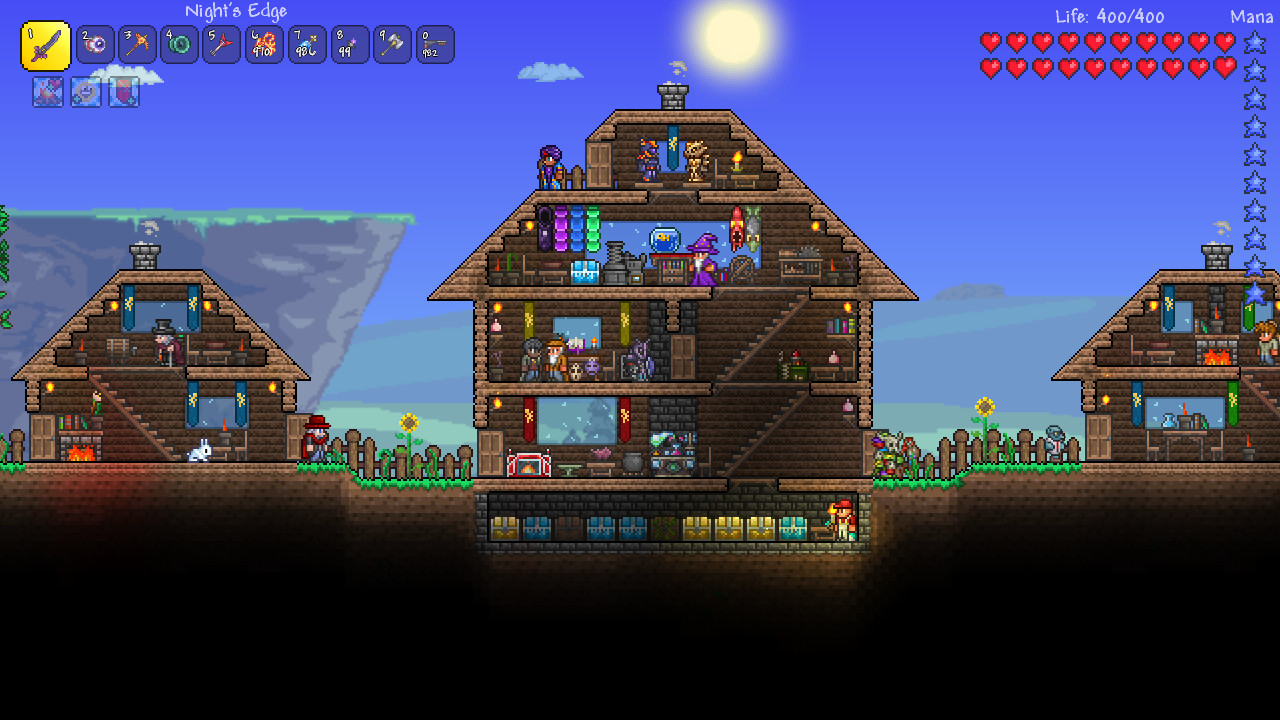
A player can survive the first night more comfortably by constructing a small protected building with an entrance, background walls, light and suitable furniture for NPC housing. NPCs provide helpful services as progression continues, and a room that looks visually enclosed may still fail the game’s housing validity checks. Learn the rules from the in-game housing interface instead of adding furniture at random. A good first base should make it easy to store items and return after exploration, not consume hours of decorative work before you own basic tools.
Crafting and resource progression
Different stations turn ores, wood, stone and special materials into progressively more capable tools, armor and weapons. In the first hours, focus on a practical upgrade that helps your next trip rather than selling or using every new material immediately. The Guide NPC can show crafting possibilities for many ingredients. Mining in Terraria is exploratory, so bring lighting and platforms and mark your return route. A weapon or accessory that improves mobility can sometimes change your odds of surviving a cave more than an item with a small extra damage number.
Invite a friend through Steam
Terraria supports online cooperative play, and Steam provides convenient friend-based connection methods when configured appropriately. The exact hosting process depends on whether you launch Host & Play, join an existing session or use a dedicated server. Make sure everyone has compatible game versions and an agreed world. Some networks require additional configuration for a dedicated server even when joining through an ordinary friend’s hosted world works smoothly. Don’t post private server passwords publicly or use untrusted port-forwarding scripts to fix a connection problem.
Dedicated server versus Host & Play
Host & Play is often adequate for a small session and is convenient because the host runs the game and world together. A dedicated server can remain separate from one player’s actively running client and is more suitable for groups that want independent administration. Both options require attention to world backups and software updates. For friends who only want an occasional short co-op session, starting with Host & Play is generally simpler. Do not jump directly to renting a server if your first goal is simply sharing a newly created world with one friend.
Does Steam Cloud protect every world?
Steam lists Cloud support for Terraria, but the details of local versus cloud storage depend on how you configure character and world saves. Keeping your most important worlds in a separate backup is wise before switching computers, changing storage modes or adding major mods. Check Steam’s synchronization state rather than assuming a save instantly appears on another device. Do not delete your original files immediately after an uncertain transfer. Steam Cloud is useful, but maintaining a manual backup prevents one failed sync or damaged world from becoming a permanent loss.
tModLoader is a separate modding tool
Many PC players use tModLoader, a separate Terraria modding environment, to run user-made content. Mods can add bosses, items or interface changes, but they may not be compatible with the newest official Terraria version. Install through legitimate project and Steam channels, read the version notes for each mod and back up saves before moving between modded and vanilla worlds. Never assume that Steam automatically applies tModLoader changes to every Terraria save. Starting with the unmodified game is the best way to learn core mechanics before introducing extra systems.
What does the 1.4.5 era add?
Re-Logic has continued providing free content updates long after the game’s 2011 launch. The 1.4.5 Bigger and Boulder era adds new items, world-seed options and other features. Exact availability is tied to the installed build and may change with later patches; a mod built for a previous version may require an update. Avoid using old screenshots as proof that a recipe must still work without modification. The official Steam product page provides ongoing release information, while in-game recipes and current patch notes should guide your decisions.
Troubleshoot ‘failed to join session’
First confirm both players are running compatible versions of Terraria. Restart Steam or the game, check whether the host has actually opened their world to multiplayer, and verify network permissions. If you use mods, confirm that everyone has the necessary matching versions and dependencies. Dedicated servers can additionally require correct networking and permissions. Avoid disabling every security protection permanently just to join a session; test one plausible cause at a time and restore security settings after troubleshooting.
Steam Deck and controller considerations
Steam offers controller features for Terraria, but exact handheld or Steam Deck behavior depends on software versions, controller layout and personal preference. If an input action feels awkward, test an alternate supported binding rather than assuming the game is unplayable. A touchscreen or trackpad may help with interface tasks on some devices, yet a mouse-and-keyboard layout is often easier for precise building. When reading recommendations, verify that they were written for the desktop version and not for a different console’s controls.
Should you buy the Steam version if you own Switch?
Buy the PC edition if you value PC multiplayer, modding and desktop control options enough to justify a separate license. If you mainly play offline on a Nintendo console and prefer the convenience of portable hardware, the existing Switch version may already meet your needs. Our Terraria Switch guide covers its platform-specific considerations. You can also compare the broader digital-store ownership question in our Steam on Xbox overview.
Official store and mod references
The official Terraria Steam page documents platform support, online play, controllers and free updates. The separate tModLoader listing explains the PC modding ecosystem. Always read the current compatibility notes before installing major new content, because a mod may target a different Terraria release than the game you currently use.
Frequently asked questions
Is Terraria free on Steam?
No. It is a paid game, with discounts and local prices that change.
Can Steam players use mods?
Yes, through compatible PC modding workflows such as tModLoader; verify each mod’s supported version.
Can Steam join a Nintendo Switch Terraria world?
Do not assume cross-play; verify the exact platform support and versions rather than relying on both games sharing the title.
Does it work on Linux?
Steam lists Linux support in addition to Windows and macOS.
Does Steam Cloud replace world backups?
No. Keeping important worlds backed up separately is still sensible.