
Minecraft Creative Mode lets you build with a wide selection of blocks without gathering every material in Survival. It is useful for experimenting with houses, redstone contraptions and large projects, but the way you enable it depends on your edition, permissions and world settings. Before changing an established world, make a backup and check the impact on achievements.
What is Creative Mode in Minecraft?
In Creative Mode, the inventory provides building blocks and items without the normal Survival gathering cycle. You can fly, place materials quickly and try layouts without consuming stacks in the usual way. That makes it an ideal testing ground before committing scarce resources in Survival.
Creative Mode does not automatically grant you server administrator privileges, fix broken mods or guarantee that every item works identically across Java and Bedrock. The game mode and edition determine the available controls.
How to turn on Creative Mode in Minecraft Java Edition
Starting a new world
- Choose to create a new single-player world.
- Find the Game Mode setting during creation.
- Select Creative before you generate the world.
- Check other settings and create the world.
In an existing world
If commands are permitted and you have sufficient permissions, open the chat/command input and run /gamemode creative. On servers, permission is controlled by the owner or administrator. On single-player worlds with commands disabled, the exact available options depend on the version; do not assume that simply typing a command will work.
How to switch to Creative in Bedrock Edition
For a world you own, open its gameplay settings and locate the default or personal game mode. Select Creative where available and follow the game’s confirmation prompts. Changing world settings in Bedrock can disable achievement earning for that world, so read the on-screen warning and back up the world first. On multiplayer worlds, a non-admin player cannot override the host’s permissions.
How to open the Creative inventory
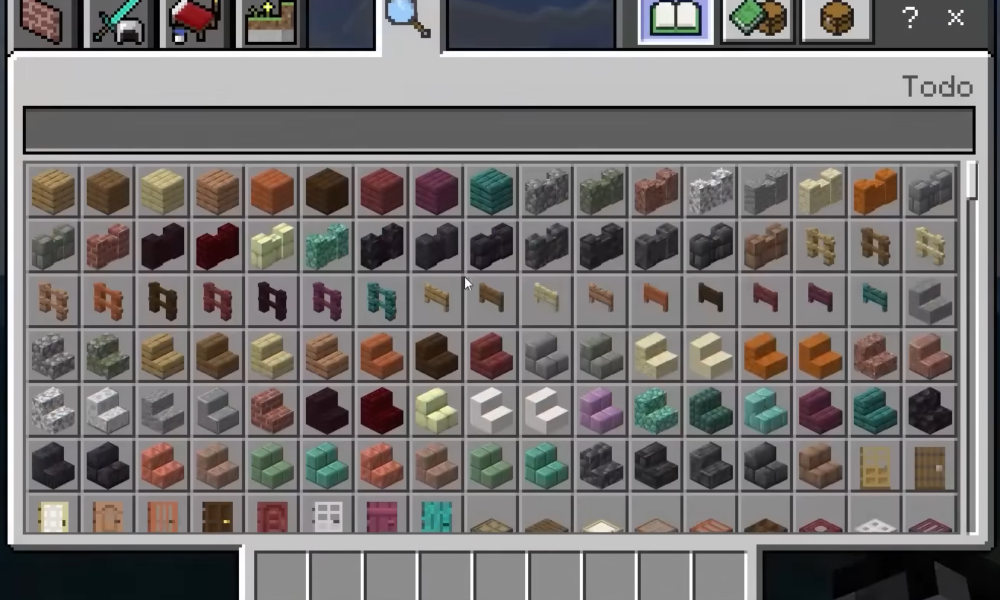
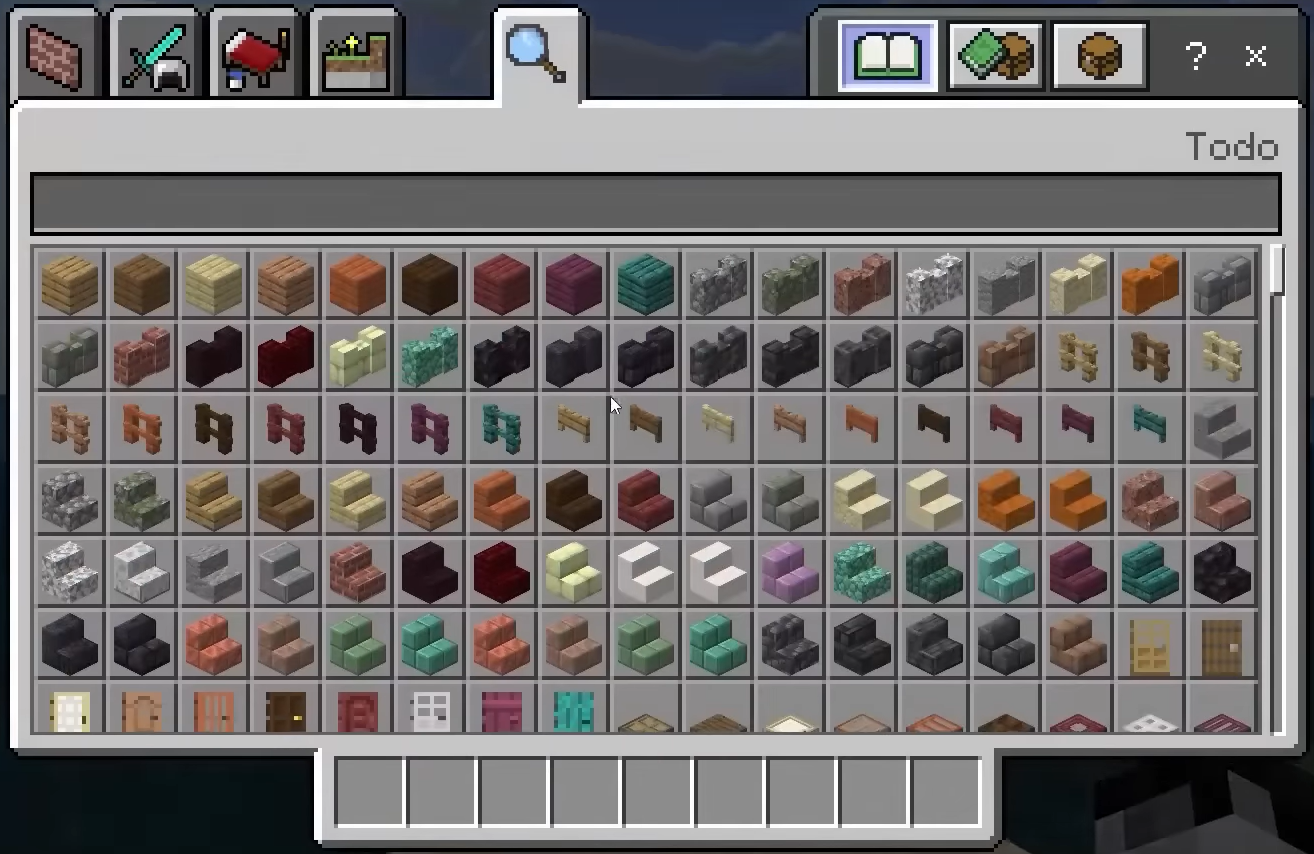
On Java, press the key bound to inventory, commonly E by default. Bedrock controls vary across PC, console and touch devices. The inventory groups blocks and tools into categories; its layout and search behavior have evolved with updates. If a block is missing, search for the exact name and check whether it is available in your game’s version or requires commands.
How do you fly in Creative Mode?
On keyboard-controlled versions, double-tapping the jump control commonly toggles flight. Once airborne, use the jump input to rise and the bound descend input to move down. Mobile and controller layouts use their platform-specific on-screen controls and button mappings. If double-jumping does nothing, confirm you are in Creative, not Survival or Adventure Mode, and inspect your custom control bindings.
Creative vs Survival vs Adventure
| Mode | Main purpose | Common experience |
|---|---|---|
| Creative | Open-ended building and experimentation | Item access and flight |
| Survival | Collect, craft, explore and survive | Resources, health and progression |
| Adventure | Play custom maps with restrictions | Interaction controlled by the map |
| Spectator | Observe without normal interaction | View the world from a non-building perspective |
Edition and version matter, especially for Spectator controls and permissions.
Can you return to Survival after Creative?
Where switching is allowed, the corresponding command is /gamemode survival. Your world may retain items or construction made in Creative, but some settings and achievement eligibility do not necessarily revert. For a fair survival challenge, use a separate test world instead of switching a long-running survival save back and forth.
Common Creative Mode problems
The command says I lack permission
Only players with suitable permissions can switch modes in a managed world. Ask the host or owner rather than downloading an unofficial game-mode unlocker.
I cannot find the item in search
Try another item name and verify whether it exists in your edition. Version-specific content and experiments may affect availability.
I cannot fly
Review mode, key bindings and platform input. On some servers, plugins or custom restrictions alter expected controls.
FAQ
Does Creative Mode cost money?
No separate Creative Mode purchase is ordinarily required after you have access to the game; it is a built-in mode.
Does Creative Mode give infinite diamonds?
It provides easy item access in the creative inventory rather than the normal mining progression.
Will changing to Creative disable achievements?
Bedrock warns that achievement eligibility is affected when cheats or certain world changes are enabled. Always read the confirmation for your edition and world.
Can I use Creative on a friend’s server?
Only if the host or server configuration grants you permission.
Try our small castle building plan or Creeper-proof survival planning guide after experimenting. For official edition information and updates, visit Minecraft.net.

Other Articles