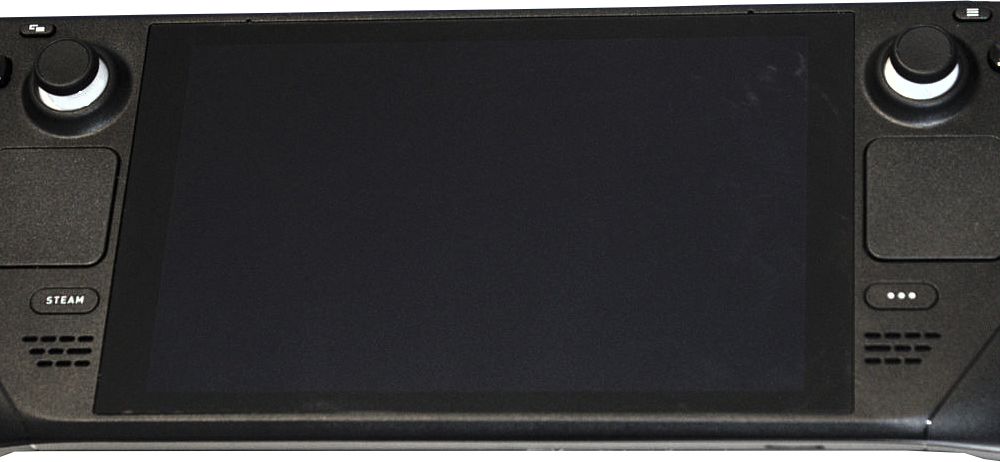

A Steam Deck can connect to a TV through a compatible USB-C dock or hub that provides an external video output. You do not normally plug an HDMI cable directly into the handheld’s USB-C connector; instead, the dock handles the display connection. Valve offers an official Docking Station, and many compatible USB-C docks also work, though features and reliability vary by model.
What you need to connect Steam Deck to a television
- Your Steam Deck with sufficient charge or access to a compatible power supply.
- A dock or USB-C hub that supports video output for the Steam Deck.
- An HDMI cable or other display cable supported by both the dock and TV.
- An available HDMI input on the television.
- Optional controller or keyboard if you do not want to use the handheld controls while docked.
Valve explains compatible docks, cables and external screens in its official Steam Deck docking FAQ. The official Docking Station specifications list external display outputs and capabilities; do not assume a third-party hub matches every published specification.
How to connect Steam Deck to TV with HDMI
- Turn on the TV and identify an available HDMI input.
- Connect an HDMI cable from the dock or hub’s video output to the TV’s HDMI input.
- If the dock requires external power, connect its supported power adapter.
- Plug the dock’s USB-C host cable into the Steam Deck’s USB-C port.
- Use the TV remote to select the exact HDMI input where the cable is connected.
- Wait for Steam Deck to detect the external screen. Depending on the state and software settings, the built-in display may change behavior when docked.
- Open Steam Deck display settings if you need to adjust resolution or refresh rate.
A USB-C hub with only charging and USB-A ports is not necessarily a video-output dock. Confirm its technical specifications before buying or troubleshooting one.
Why does my Steam Deck show ‘No Signal’?
Wrong HDMI input
Check the TV’s source selector. HDMI 1 and HDMI 2 are different inputs even if both appear physically similar.
Dock supports charging but not video
Verify that the hub explicitly supports compatible video output. A USB-C port or cable alone does not guarantee display support.
Power or cable problems
Reseat cables securely, try another known-good HDMI cable, and connect dock power as specified. Test the TV input with another device if possible. A loose connector can cause intermittent black screens.
Unsupported resolution or refresh rate
Some combinations of dock, television, HDMI cable and graphics mode do not support the same output timings. Start with a conservative supported display mode rather than trying to force the highest advertised resolution. See our refresh rate explainer for the difference between Hz and game frame rate.
Software or firmware issue
Check SteamOS updates and any official dock firmware guidance. Valve’s FAQ is preferable to generic ‘HDMI unlocker’ utilities or unknown firmware installers.
Can Steam Deck use Bluetooth controllers while docked?
Compatible Bluetooth or wired game controllers can help you play from the couch. Their pairing and game-support requirements are separate from the HDMI connection. Do not assume a given controller layout works identically in every game.
What about 4K gaming on the TV?
External display output capability does not mean every demanding game will run smoothly at 4K. Resolution support depends on the dock, cable, TV, software configuration and hardware workload. Many players prioritize stable performance at a lower resolution over pushing the highest display mode.
FAQ
Do I need the official Valve dock?
No, Valve says many compatible USB-C docks work, but unsupported hubs can have limitations.
Does an HDMI-to-USB-C cable always work directly?
No. Compatibility and signal direction matter; use a supported video-output dock or adapter.
Can I charge the Steam Deck while using a TV?
Yes, with a dock and power source that support charging as specified by their manufacturers.
Why does the handheld screen turn off when docked?
It may be using the TV as the primary external display. Check the current output rather than assuming the handheld has failed.

Other Articles

Nintendo Switch Pro Controller on PC: Bluetooth, USB and Steam Input
Minecraft Creative Mode: How to Turn It On, Fly and Find Every Block