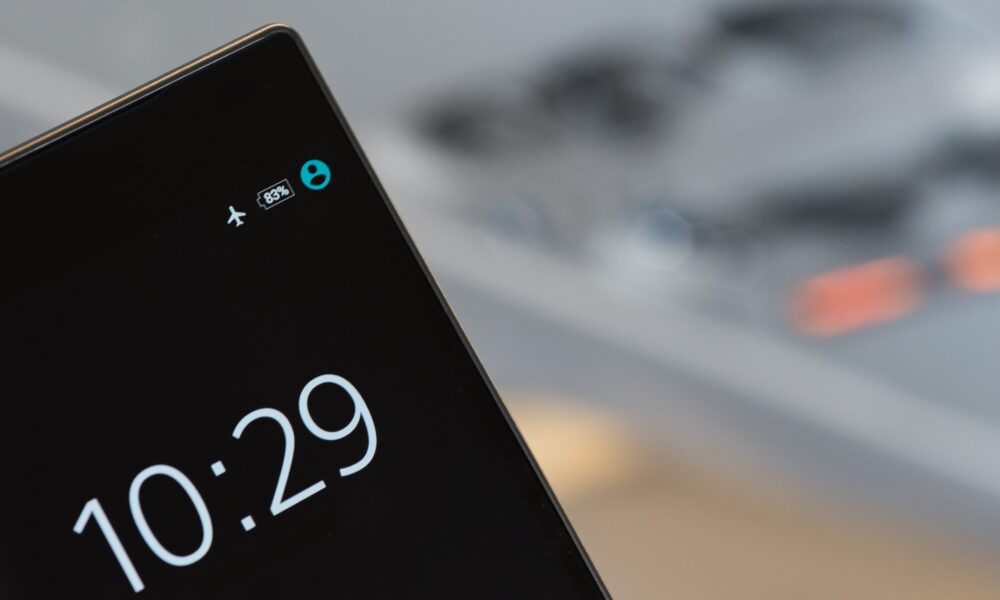

Airplane mode turns off your phone’s cellular connection, but it does not turn the phone itself off. You can still use offline apps, read downloaded files, set alarms, take photos and play saved music. On many modern phones, you can also turn Wi-Fi and Bluetooth back on while airplane mode remains enabled. The exact behavior varies by device, software version and your previous wireless settings.
Airplane mode is useful on flights because it disables cellular transmissions. It can also help when you want a break from cellular connectivity or need to restart a connection briefly. It is not a privacy shield, it does not make you anonymous, and it cannot guarantee that every wireless radio or location function is disabled.
What does airplane mode do to your phone?
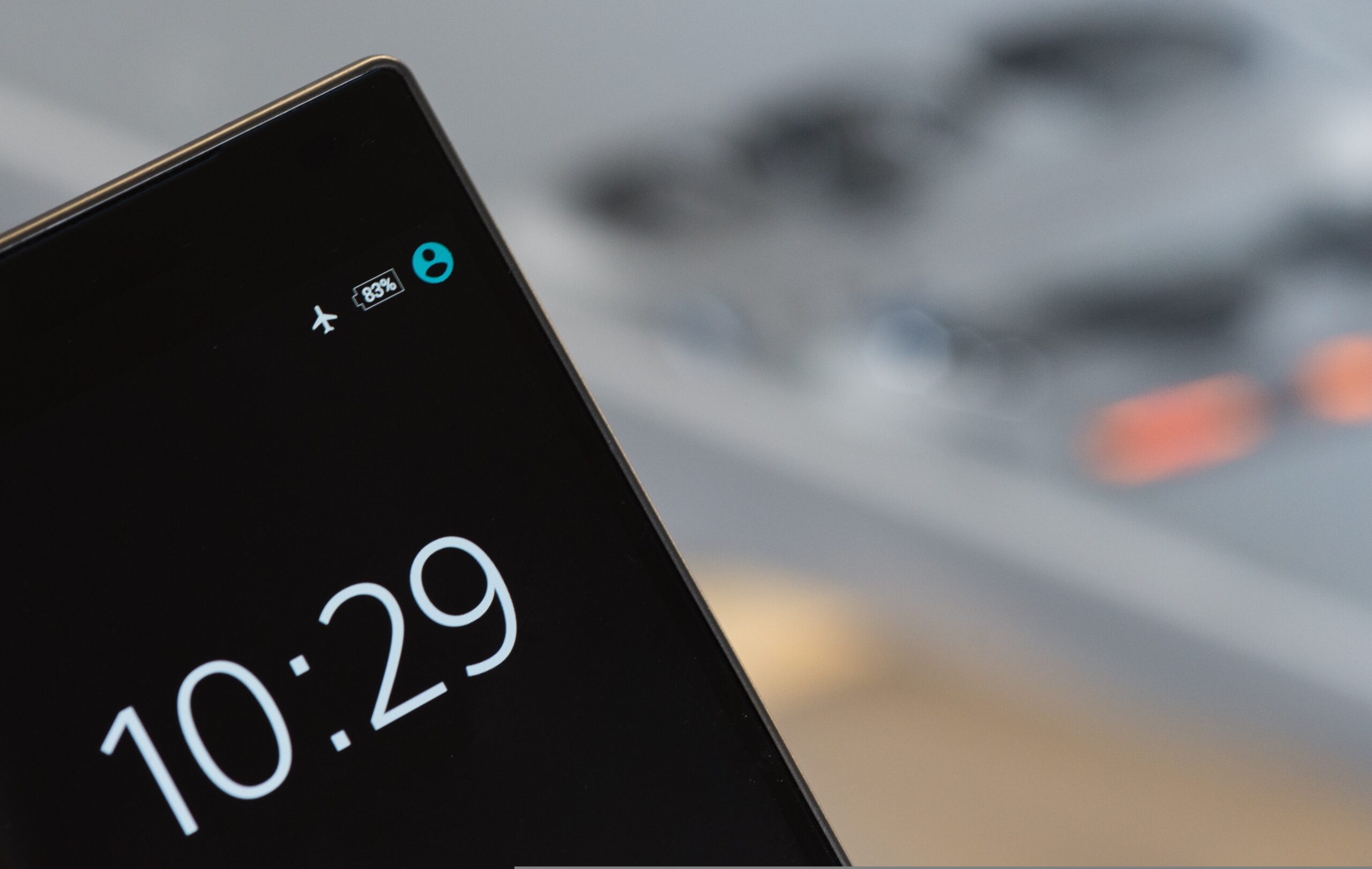
Airplane mode is a quick setting that disables the cellular radio used to register with mobile networks. On most phones, it also initially changes Wi-Fi and Bluetooth behavior, although both may remain available or be re-enabled separately. This is why someone on a plane may still listen through Bluetooth headphones or connect to the airline’s Wi-Fi while leaving airplane mode turned on.
The U.S. Federal Aviation Administration’s passenger guidance tells travelers to use cellular devices in airplane mode or with cellular transmission disabled, and permits onboard Wi-Fi where installed and allowed by the airline. The flight crew’s instructions always take priority for your particular flight.
What works in airplane mode? Quick comparison
| Feature | What to expect with airplane mode on |
|---|---|
| Ordinary cellular calls | Unavailable through the cellular network while cellular service is disabled |
| SMS/MMS over cellular | Cellular delivery unavailable until the phone reconnects; other messaging methods may use Wi-Fi |
| Mobile data (4G/5G) | Disabled |
| Wi-Fi | Can often be turned on manually while airplane mode stays enabled |
| Bluetooth headphones | Often usable; Bluetooth may stay on or be switched back on |
| Offline music, photos and games | Work if the content or app does not require a live connection |
| Camera and alarms | Generally continue to work |
| GPS/location functions | Not reliably disabled by airplane mode; behavior varies by device and app |
| Internet-based calls/messages | May work through an active, permitted Wi-Fi connection, depending on app and service |
| Notifications from online apps | May pause without connectivity and resume when Wi-Fi or cellular data is available |
This chart describes typical smartphone behavior, not a universal guarantee for every brand or airline. Services that require account verification, streaming or an active server may stop working even when the rest of an app opens offline.
How to turn airplane mode on or off on iPhone
- Open Control Center. On iPhones with Face ID, swipe down from the upper-right corner. On older models with a Home button, swipe up from the bottom.
- Tap the airplane symbol to enable airplane mode. The icon changes appearance to show that the mode is active.
- If allowed, tap the Wi-Fi control to reconnect to a permitted wireless network while airplane mode remains on.
- To restore normal cellular connections after landing, open Control Center and tap the airplane symbol again.
You can also find Airplane Mode in the iPhone Settings app. Apple’s Airplane Mode support guide explains the current behavior across iPhone, iPad and Apple Watch. Apple notes that Wi-Fi and Bluetooth can still be used when the airline permits them; recent iOS versions may remember the wireless settings you used while in airplane mode.
How to turn airplane mode on or off on Android
- Swipe down from the top edge to open Quick Settings. Swipe again if only a few tiles are visible.
- Find the Airplane mode or airplane-icon tile and tap it.
- Wait a few moments for the cellular connection to disconnect. You may see an airplane indicator in the status area.
- To use allowed Wi-Fi, open Wi-Fi settings and switch it back on. Bluetooth can also be controlled separately on many devices.
- Tap the Airplane mode tile again when you want the phone to reconnect to cellular service.
Menu names vary between Pixel, Samsung Galaxy and other Android devices. If the tile is not visible, open Settings and search for Airplane mode. Some manufacturers place it under Network & internet or Connections.
Can you use Wi-Fi while airplane mode is on?
Usually yes, but you must reconnect to a Wi-Fi network and have permission to use it. Airplane mode disables the cellular data connection; modern devices commonly let you enable Wi-Fi separately. On a flight, use only an onboard network provided or permitted by the airline. Wi-Fi calling, web browsing and internet messaging depend on having an actual working Wi-Fi connection, not merely the Wi-Fi switch being on.
For example, you can enable airplane mode before takeoff, wait until the crew allows internet use, then connect to the plane’s Wi-Fi. Your phone can remain in airplane mode the entire time. If the flight has no onboard network, switching Wi-Fi on will not provide an internet connection by itself.
Can Bluetooth headphones work in airplane mode?
On many current phones, yes. Airplane mode can allow Bluetooth to remain enabled or be turned back on separately. If your headphones disconnect, check your device’s Bluetooth control, reselect the paired accessory, and follow flight-crew instructions. Do not assume every wireless accessory is allowed throughout every phase of flight.
If you have trouble reconnecting a Bluetooth device to a Windows computer after the flight, our Bluetooth headphones pairing guide for Windows 11 covers the PC side of pairing separately.
What happens to calls and text messages?
Without a cellular connection or working alternative, ordinary calls and carrier SMS/MMS cannot travel over the cellular network. The person calling you may reach voicemail or another service depending on your carrier configuration. You should not assume a call always goes to voicemail or that a message always arrives immediately after you reconnect.
Wi-Fi-based messaging and calling can behave differently. An app such as an internet messenger may receive messages if permitted Wi-Fi is connected. Some carriers support Wi-Fi Calling, which has its own eligibility and emergency-calling considerations. This is why “airplane mode means no calls or messages ever” is too broad.
Does airplane mode turn off GPS or stop location tracking?
No reliable blanket guarantee. A phone may continue to use location sensors or previously downloaded map data even when cellular data is disabled. GPS reception itself does not require a mobile data subscription, but loading new map tiles or sharing a location online may need internet access. Exact behavior depends on hardware, software and the app.
If your objective is to limit location sharing or app permissions, review your phone’s separate location-services and app-privacy controls. Airplane mode alone should not be treated as a security or anonymity tool.
Why do airlines ask you to use airplane mode?
Airplane mode provides a simple way to disable cellular transmission on board. The FAA’s current passenger guidance says cellular phones and portable electronic devices must be in airplane mode or have the cellular connection disabled. It also says Wi-Fi can be used if the aircraft has a Wi-Fi system and the airline allows it.
This does not mean a powered-on phone automatically causes a dangerous aircraft failure. The practical rule for passengers is to follow airline instructions rather than trying to evaluate the safety of individual wireless frequencies themselves. The flight crew may give additional instructions about when to use, stow or silence devices.
Is airplane mode a battery-saving feature?
It can reduce battery drain caused by cellular network searching, especially where reception is poor. But the improvement varies: a phone that is still using a bright screen, GPS-intensive apps, Bluetooth accessories or Wi-Fi can continue using substantial power. Turning on airplane mode is not a substitute for checking battery health or changing energy-hungry app settings.
Can airplane mode fix poor signal or mobile internet?
Temporarily enabling and disabling airplane mode can force the phone to reconnect to a mobile network, making it a quick first troubleshooting step. It cannot repair a carrier outage, exhausted plan, damaged SIM, unsupported band or physical antenna fault. Google’s Pixel Wi-Fi troubleshooting guide includes toggling airplane mode off and on as one way to refresh a connection.
If connectivity remains broken after a brief toggle, check whether other devices have service in the same place, inspect SIM/eSIM and carrier status, then restart the phone. Do not reset all network settings before understanding what that action removes. For iPhones, our network-settings reset guide explains the consequences and safer alternatives.
Airplane mode vs. Do Not Disturb vs. powering off
| Setting | Primary effect | Internet connectivity |
|---|---|---|
| Airplane mode | Disables cellular transmission | Wi-Fi can often be re-enabled |
| Do Not Disturb / Focus | Reduces interruptions and notifications | Usually remains connected |
| Power off | Shuts down normal phone operation | Not available while powered off |
Use Do Not Disturb if your goal is to stop noisy notifications without disrupting internet access. Use airplane mode when you want cellular transmission off. Use the power control when you need the device fully shut down, while recognizing that some powered-off features or findability behaviors depend on the phone model.
Airplane mode troubleshooting
The airplane icon stays on after I tap it off
Wait briefly, close and reopen Quick Settings or Control Center, then check the corresponding toggle inside Settings. If the state does not update, restart the phone and check for pending system updates.
My mobile internet does not return after switching it off
Give the phone time to register on the cellular network. Check signal coverage, mobile data settings, the SIM/eSIM and any carrier outage. Toggling repeatedly is unlikely to solve a network-wide service interruption.
Wi-Fi will not work while airplane mode is on
Try enabling Wi-Fi separately, confirm that a network exists, and check whether your device model or organization profile restricts it. On an airplane, the crew or aircraft system may limit internet availability.
Bluetooth disconnects every time
Check the Bluetooth toggle after airplane mode is enabled and reconnect the accessory. Device settings may remember your last choices, so the behavior can differ from another person’s phone.
Frequently asked questions
Does airplane mode stop text messages?
It stops normal cellular messaging while the cellular radio is off. Internet messaging can still work over a functioning Wi-Fi connection.
Can someone call me while I am in airplane mode?
The phone is not reachable over its normal cellular connection. What the caller hears depends on carrier services and whether a separate Wi-Fi Calling option is active.
Does airplane mode hide my location?
No. It does not guarantee GPS, offline location features or location history are disabled.
Will my alarm ring in airplane mode?
Normally yes. Local alarm-clock functions do not require mobile data. Confirm the phone is still powered on and the alarm is configured correctly.
Can I use airplane mode and Wi-Fi at the same time?
On many phones, yes. Turn Wi-Fi on separately and connect to an authorized network. Follow airline instructions while flying.
Does airplane mode save battery?
It may help, especially where cellular reception is weak, but screen brightness, other wireless connections and active apps still consume energy.
Bottom line
Airplane mode switches off cellular connectivity while leaving your phone usable for offline activities. Wi-Fi and Bluetooth may still operate when separately enabled, and GPS or location functions are not guaranteed to stop. For flights, comply with the FAA’s cellular-device guidance and your airline’s instructions; for iPhone-specific behavior, consult Apple Support.