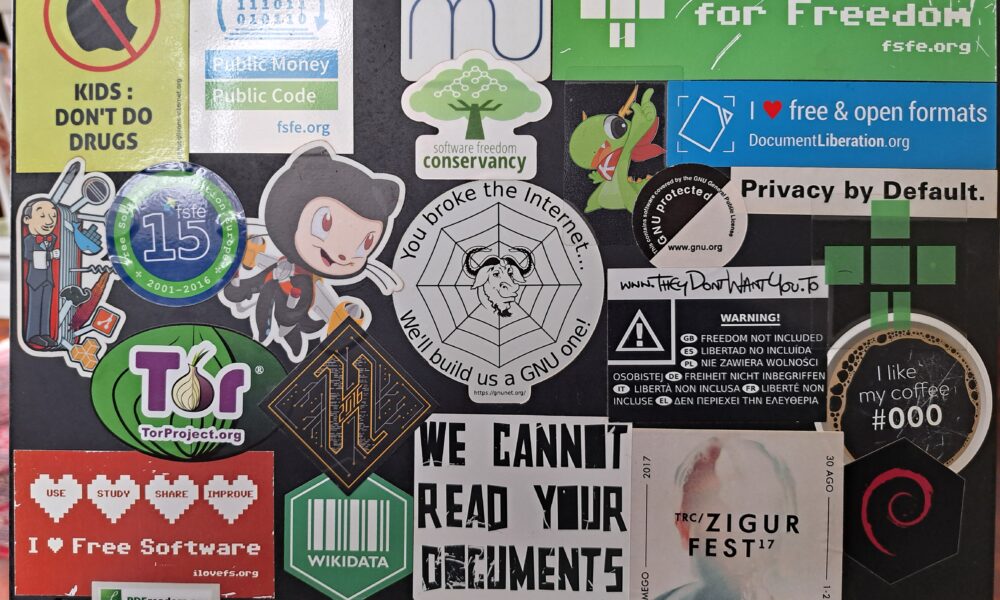

Old stickers can make a laptop lid look untidy, but a rushed removal can leave glue, scratches or a discolored patch. The safest way to remove stickers from a laptop is to consider the surface finish, loosen the sticker gradually and stop before damaging protective coatings. Manufacturer warning labels, serial-number labels and school or employer asset tags may need to stay in place.
Check these things before peeling anything
- Ownership: if the laptop belongs to work, school or a rental service, do not remove asset tags without authorization.
- Important labels: photograph serial numbers, service tags, recovery details and any manufacturer or regulatory information before deciding whether removal is appropriate.
- Surface: a matte plastic, rubberized lid, painted metal shell and anodized metal cover may react differently to solvents or heat.
- Location: never use liquid or adhesive remover near ventilation openings, ports or the keyboard.
How to remove a paper or vinyl laptop sticker
- Shut the laptop down, unplug it and allow its exterior to cool.
- Choose a corner that can be lifted with your fingernail. Avoid metal scrapers and blades.
- Peel slowly and at a shallow angle, keeping the sticker close to the lid as you pull. If it starts tearing or taking the coating with it, stop.
- For leftover glue, first roll it gently with a clean fingertip or soft cloth rather than scraping.
- If residue remains, consult the laptop maker’s surface-care instructions before applying a damp cloth or approved cleaning product.
- Dry the area completely and check for leftover adhesive under good light.
There is no single chemical or technique guaranteed safe for every finish. A method that works on bare metal can permanently change a soft-touch plastic coating.
Can you use heat to loosen the glue?
Some adhesives release more easily when gently warmed, but heat guns and hot hair dryers can damage the laptop’s finish, battery and display assembly. Do not apply direct high heat or leave a device near a heater. If you cannot lift the sticker at room temperature, consult the manufacturer’s guidance or an authorized repair professional instead of forcing it.
Removing sticky residue without a solvent accident
| Approach | Risk level | Key caution |
|---|---|---|
| Soft dry microfiber cloth | Low | Use light pressure and remove grit first |
| Fingertip rolling small adhesive clumps | Usually low | Stop if the surface coating begins to lift |
| Water on a cloth | Surface dependent | Keep away from seams and ports; check maker advice |
| Alcohol, citrus oil or acetone | Potentially high | May discolor plastic, paint or protective coatings |
| Metal blade | High | Can permanently scratch the lid |
Avoid testing a powerful solvent on the most visible area of the lid. Surface-care guidance from the manufacturer should take precedence over a viral cleaning hack.
Why is there a pale rectangle after removal?
Sometimes there is no glue left: the surrounding shell has faded, become shiny or been exposed to oils, while the sticker-covered area stayed protected. Cleaning will not necessarily equalize that difference. Harsh rubbing can make a cosmetic mismatch worse.
What about Windows and processor brand stickers?
Small branding stickers are not the same as service, serial-number or organizational asset labels. Before removing anything, make sure you are not losing information needed for warranty support or inventory. If you just want a cleaner desk setup, start with safe exterior maintenance. Our mousepad cleaning guide and mechanical keyboard cleaning guide cover other removable grime without aggressive chemicals.
FAQ
Will removing a sticker void my warranty?
Terms vary. Removing a decorative sticker is different from removing service, security or product-identification labels. Check your manufacturer and local warranty terms.
Can I use rubbing alcohol on a laptop lid?
Only when your laptop manufacturer’s material-specific care guidance permits it. Certain finishes can be damaged.
Should I use a razor blade?
No. A sharp metal edge can scratch painted, anodized or plastic surfaces.
Why is the area beneath a sticker a different color?
Uneven wear, light exposure and surface aging can create a visible outline that is not adhesive residue.
Bottom line: peel slowly, protect the finish and avoid aggressive solvents. A remaining sticker is preferable to permanent damage to the laptop lid.

Other Articles

How to Clean AirPods Safely: Earbuds, Speaker Mesh and Charging Case
How to Check Laptop Battery Health in Windows 11 With Battery Report
