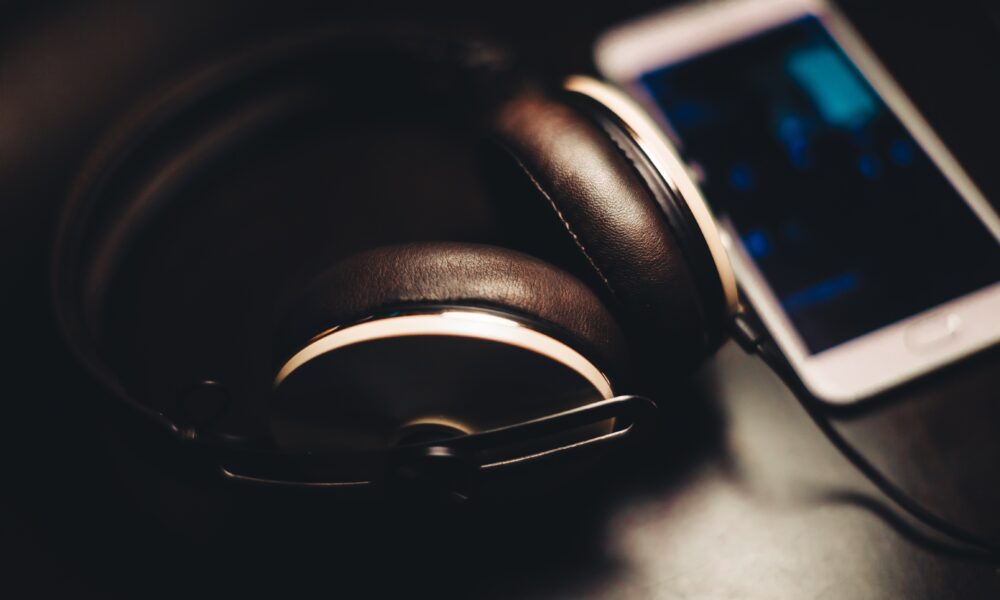

Headphones sit against your skin for hours, so it is normal for ear pads and headbands to collect oil, makeup, sweat and dust. Learning how to clean headphones is less about finding the strongest cleaner and more about protecting delicate materials and electronics. The safest approach differs for leatherette, fabric, silicone and removable cushions.
Before cleaning: check the headphone type
Switch off wireless headphones and disconnect any charging cable. If they are wired, unplug them from the source. Check the care instructions for your exact model: a method approved for one brand’s synthetic leather may damage a different finish.
| Part | Safer starting method | Avoid |
|---|---|---|
| Headband shell | Soft dry cloth, then manufacturer-approved light wiping | Spraying cleaners directly |
| Ear cushions | Material-specific wipe or cleaning guidance | Soaking attached electronic parts |
| Speaker mesh | Gentle dry removal of loose dust | Water entering driver openings |
| Charging contacts | Dry, clean cloth where approved | Wet recharging |
Sony’s headphone maintenance tips explain why residue and unsuitable solvents can damage cushions. For certain newer models, Sony publishes model-specific cleaning advice. Follow the applicable instructions instead of mixing recommendations from different products.
How to clean over-ear headphones
- Power down: turn the headphones off and disconnect cables.
- Remove loose dirt: use a dry soft microfiber cloth over the headband and outer ear cups.
- Clean touch surfaces gently: if the manual permits, use a cloth slightly moistened with the specified cleaning solution. The cloth should not drip.
- Work around the ear pads: wipe rather than saturate. If pads are removable, check whether the manufacturer recommends removing them for separate care.
- Keep moisture away from the drivers: never push liquid through speaker grilles or seams.
- Air-dry: wait for cleaned surfaces to dry completely before charging or wearing them.
Do not automatically use rubbing alcohol on every ear pad. Some manufacturers allow a limited concentration on certain surfaces, while others warn that alcohol or solvents may damage coatings.
Can you wash headphone ear pads?
Not all ear pads are washable. Memory foam can hold water, adhesives may loosen, and synthetic leather may crack or peel if treated harshly. If the maker offers replacement cushions but not a washing procedure, replacing badly worn pads may be safer than trying to soak them. For cloth-covered or removable pads, use only the care steps specified for that exact part.
How to clean headphones after the gym
Wipe external surfaces promptly with a clean dry cloth, especially after heavy perspiration. Let pads and the headband dry in a ventilated place, away from heat and direct sun. Avoid sealing damp headphones inside a carrying case: trapped moisture can cause odor and material wear.
What if the headphones smell?
Start with gentle cleaning and complete drying. A persistent smell from soaked or deteriorating cushions may require replacement pads. Covering the odor with perfume or spraying deodorant into the ear cups can add residue without solving the underlying problem.
What not to do
Do not submerge assembled headphones, use a hair dryer, spray cleaners into ports, scrape mesh with sharp tools, or reconnect power while moisture remains. ‘Water-resistant’ on a product label does not necessarily mean safe for cleaning by immersion.
How to prevent buildup
Store headphones in a clean case only when dry, occasionally wipe the parts that touch skin, and keep them away from lotions and oils. If you’re experiencing connectivity problems rather than dirt, see our guide to pairing Bluetooth headphones in Windows 11.
FAQ
Can I use disinfecting wipes?
Only if the manufacturer explicitly permits that formulation and surface. Avoid soaking cushions.
How often should headphones be cleaned?
Light surface wiping after heavy use and occasional deeper care based on buildup is usually more sensible than a universal schedule.
Can I remove the ear cushions?
Only on models designed for it. Some pads are attached or use fragile clips, so consult the manual first.
Will cleaning repair cracked ear pads?
No. Cracking and peeling are material wear; replacement cushions may be needed.

Other Articles

Roblox Emotes Not Showing? Use the Emote Wheel and /e Commands
How to Turn Off Sticky Keys in Windows 11—and Stop the Shift Popup
