
Quick answer: Distant Horizons expands what distant Minecraft terrain can look like by representing faraway chunks using lower-detail level-of-detail meshes, often shortened to LODs. The area right around your player still uses the game’s regular close-r
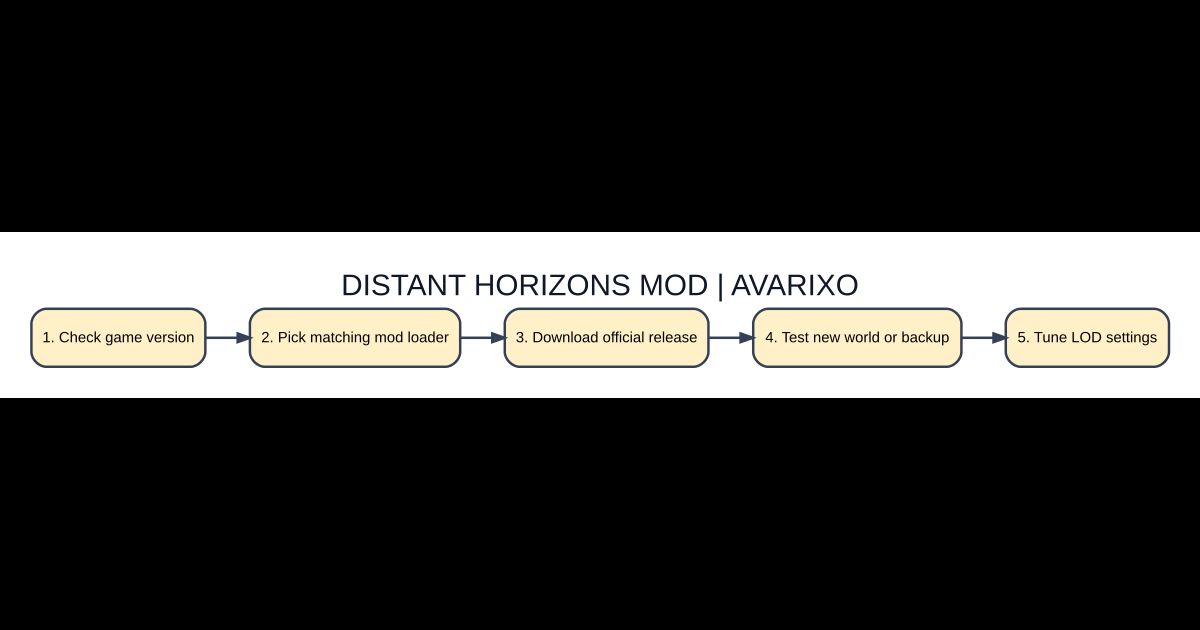
Setup checklist
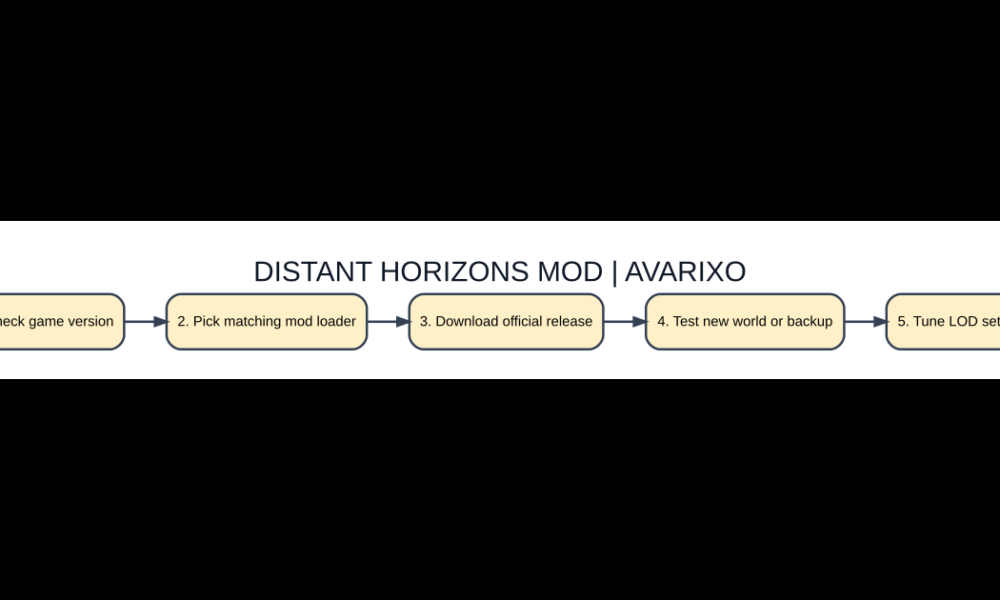
- Check game version
- Pick matching mod loader
- Download official release
- Test new world or backup
- Tune LOD settings
What Distant Horizons actually renders
Distant Horizons expands what distant Minecraft terrain can look like by representing faraway chunks using lower-detail level-of-detail meshes, often shortened to LODs. The area right around your player still uses the game’s regular close-range rendering. The mod is not a magic increase to your Minecraft server’s simulation distance: farther landscape may be visible without distant redstone machines, mobs or chunks being simulated in the same way as nearby terrain. That distinction matters if a screenshot shows huge mountains that do not yet contain active gameplay entities.
Choose a compatible Minecraft version and loader
Open the verified project’s release listing and choose the exact Minecraft Java version and loader used by your game profile. Many builds target Fabric or NeoForge, but supported combinations and dependencies vary by release, so read the changelog rather than installing whichever file has the largest download count. Avoid unofficial sites promising a Bedrock APK equivalent to the Java project. Create a separate launcher instance so your existing modpack remains untouched.
Make a safe first test world
Before adding a terrain-visualization mod to a long-running world, back up saves and create a short throwaway test in the same edition. Install the release into the appropriate mods directory and launch it once without additional shaders. Visit an elevated viewpoint and compare distant terrain before changing aggressive settings. If the LOD cache needs to develop as you explore, the first few minutes can look different from later sessions. Do not interpret every initial missing polygon as a broken installation.
Performance tuning without losing the effect
Increasing LOD distance can raise memory use, CPU load, disk activity and graphics demands even when geometry is simplified. Start with a moderate preset, check frame rate and stutters, then change one setting at a time. If the computer becomes unstable while the cache grows, lower the distance or workload rather than increasing all settings simultaneously. A high-end graphics card does not solve inadequate RAM or storage throughput; the whole system must supply terrain data efficiently.
Shader compatibility is not universal
Distant Horizons can work with some shader configurations, but not every shader pack supports its special distant terrain rendering. Compatibility also depends on Iris, Sodium and the mod versions installed alongside it. Test without shaders first, then add a documented compatible shader combination and compare daylight, fog and water. A black horizon or disconnected sky may be a shader issue rather than corrupted world terrain. Check the project’s issue tracker and release notes for version-specific known conflicts.
Solving invisible terrain, crashes and mixed modpacks
Verify loader version, Java runtime requirements and the exact downloaded files before changing operating-system settings. Check the most recent crash report for a conflicting render mod. Do not remove unrelated save data in an attempt to repair only the LOD cache. If a server’s custom terrain looks inconsistent, compare the same area without the mod and determine whether the underlying world is fully generated. Restore a clean test profile when debugging becomes complicated.
What is different?
| Feature | How it works | Why it matters |
|---|---|---|
| Vanilla render distance | Normal detailed chunks near player | Gameplay distance |
| Distant Horizons LOD | Faraway simplified terrain | Visual horizon extension |
| Simulation distance | Active world updates | Not automatically expanded |
| Compatible shader pack | Lighting and atmosphere | Requires version testing |
FAQ
Does Distant Horizons work on Bedrock?
The common official mod targets Minecraft Java Edition; Java mod loader files are not ordinary Bedrock add-ons.
Does it increase simulation distance?
No, visible distant LOD terrain is not the same as active simulation of distant chunks.
Why do faraway chunks look unfinished?
The cache may still be building, settings may be low, or a shader/loader conflict may be present.
Can it run with shaders?
Some specific mod and shader combinations are supported; check the selected release documentation.
Important compatibility note
Mod developers can change compatible Minecraft versions, dependencies, settings and distribution formats. Check the specific project’s official release page before downloading anything, and test on a backup or separate game profile. AVARIXO also explains resource pack installation and troubleshooting and platform setup concepts. Avoid software mirrors that demand unrelated login codes or security bypasses.

Other Articles
Minecraft Creative Mode: How to Fly, Build and Switch from Survival
