
Quick answer: Excel can combine text from multiple cells into one readable string.
Start with the right setup
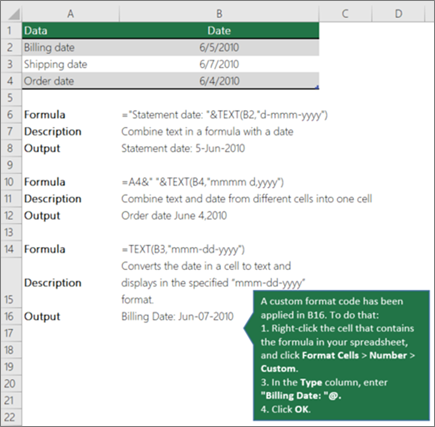
Use =A2&” “&B2 to combine first and last names with a space. CONCAT and TEXTJOIN offer other approaches depending on your Excel version.
Build the core result
A plain concatenation can turn dates or currency into unformatted numbers. Use TEXT to control display formats when needed.
Choose a reliable output
Trim extra spaces if source cells contain inconsistent entries. Be careful when joining IDs with leading zeros.
Check quality and avoid mistakes
Keep the original columns if you may need to sort, filter or edit individual pieces later. A combined output is not the same as merging cells.
Practical checklist
- Confirm that the tool, version and settings match your intended result.
- Review your source information before editing or exporting.
- Test the finished output on the device or application where it will be used.
- Keep a backup of important work and protect private account information.
Frequently asked questions
Can I use the same steps on every device?
Not always. Menu labels, supported file types and feature availability may differ by device, account plan and software version. Check the current official help center when an option is missing.
What if the result looks wrong?
Check the source data or design, confirm your selected format and test a simple example. Change one setting at a time to identify the cause rather than starting over immediately.
Official documentation
For updated instructions, see official help documentation.

Other Articles
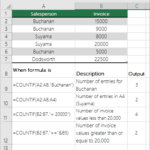
COUNTIF in Excel: Count Matches, Text and Duplicates
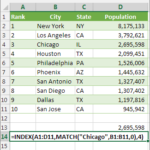
INDEX MATCH in Excel: Flexible Lookup Examples