
Searching for Roblox sound effects can mean two different things: you want sounds while playing a game, or you are creating an experience in Roblox Studio and need an audio asset to play at the right moment. For creators, the safest route starts with Roblox’s own Creator Store and audio documentation, not unverified lists of IDs copied from random websites.
Where to find sound effects for Roblox Studio
- Open your experience in Roblox Studio.
- Open the Toolbox or Creator Store surface supported by your current Studio layout.
- Choose the audio category and search for the type of sound you need, such as a click, footstep or environmental effect.
- Preview the sound and inspect its asset details, creator and any available usage or access restrictions.
- Insert or reference the asset using the tools documented for your project.
The Roblox Creator Hub audio assets guide explains the Creator Store’s audio library. Roblox’s audio overview describes how audio works inside experiences.
What is a Roblox audio ID?
An audio ID identifies an audio asset, not an account or game. In Roblox code and properties, the ID is used to point a Sound instance to a particular track or effect. Roblox documents the Sound class, including its properties and playback behavior. Do not confuse an audio asset ID with a place ID, universe ID or decal ID.
We also explain asset types in our Roblox Asset ID versus Place ID guide.
How to add a sound to your experience
- Choose an audio asset whose permissions permit use in your experience.
- Add a
Soundinstance to an appropriate service or object, depending on whether playback should be global or positional. - Enter the permitted asset’s ID in the
SoundIdproperty. - Set a moderate volume and adjust playback behavior for your use case.
- Test the experience and review Studio’s Output panel for any permission or loading errors.
For a sound heard throughout an experience, the central sound service is commonly appropriate. For audio coming from an in-world object, an appropriate part or attachment can be useful. Roblox’s Sound objects documentation explains object placement and playback.
Example: play an allowed sound
The following small example illustrates the API pattern. Replace the sample ID with a real audio asset you have permission to use. It is a reference example, not a claim that the placeholder is a working sound.
local sound = Instance.new("Sound")
sound.SoundId = "rbxassetid://123456789"
sound.Volume = 0.5
sound.Parent = game:GetService("SoundService")
sound:Play()
For a polished game, manage lifecycle, loading, errors and repeated playback rather than creating a new object on every action. If you use audio many times, consider creating it once and reusing it.
Why an audio ID might be silent
Permissions may prevent access
Some audio assets are private or have restrictions tied to their owner or allowed experiences. Being able to see an ID online does not automatically grant permission to use it.
The ID is the wrong asset type
A copied number may belong to an image, model, experience or a deleted item. Confirm the asset type inside Creator Store.
The Sound is placed or configured incorrectly
Review the Sound’s parent, volume, playback behavior and 3D audio position. If the sound is attached to a distant object, a listener may not hear it.
Experience audio settings affect playback
Muted device audio, custom game volume settings or competing game logic can interfere with your test. Isolate the sound with a minimal test setup before changing multiple systems.
Can you upload your own sound effects?
Roblox provides audio-asset upload workflows, but eligibility, moderation, permissions and sharing rules may change. Use its current Creator Hub instructions and upload only audio you own or are licensed to distribute and use. Downloading a sound from someone else’s game does not automatically grant reuse rights.
FAQ
Are all Roblox audio assets free to use?
No. Creator Store availability, licensing and access restrictions must be checked per asset.
Why does a sound ID work in one game but not another?
Asset access permissions, game scripts and Sound placement may differ between experiences.
Are ‘Roblox sound effect ID lists’ always reliable?
No. Public lists can contain outdated, private or miscategorized IDs. Verify each asset using Roblox’s supported tools.
How do I protect my Studio project from unsafe free models?
Inspect third-party assets and scripts before inserting them. Our Roblox Studio Toolbox safety guide explains why.
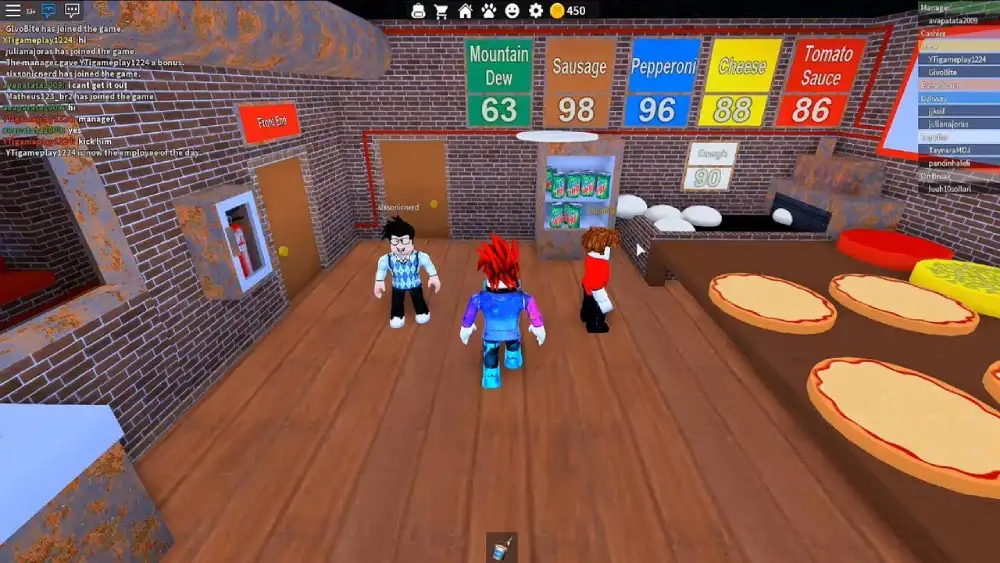
Illustrative Roblox gameplay image credit: Elilopes / Wikimedia Commons, CC BY-SA 4.0; see media caption.

Other Articles

How to Turn Off Sticky Keys in Windows 11—and Stop the Shift Popup
How to Screenshot on Chromebook: Full Screen, Snip and Save Location