
Quick answer (checked October 12, 2026): There is no verified official Roblox app for Nintendo Switch, Switch Lite, Switch OLED or Switch 2. You cannot download a legitimate native Switch version of Roblox from the Nintendo eShop, and Roblox has not announced an official Switch release date in the sources checked for this guide. If you own a Switch and want to play Roblox today, use a separate supported phone, tablet, computer, Xbox or PlayStation instead. Be cautious of videos promising a secret Switch download.
The confusion is understandable: Roblox works on several consoles and handheld-like devices, and online tutorials sometimes blur the distinction between opening a web page and running the actual game. This guide separates what Roblox officially supports from what a video or unofficial installer might claim.
Is Roblox available on Nintendo Switch right now?
No official Nintendo Switch app has been verified as of October 12, 2026. Roblox’s support article about future devices says to watch official announcements for platform additions. Its separate computer requirements and PlayStation FAQ describe supported platforms, but they do not provide a Switch installation method. The absence of a Switch announcement is not a promise that one will never arrive.
There is an important difference between a game that looks like Roblox, a website talking about Roblox, and the official Roblox client that can sign into your account and join experiences. A lookalike Nintendo eShop listing, fan-made browser page or third-party download is not proof of native compatibility.
Roblox platform availability: what you can actually use
| Device | Official Roblox play | What to know |
|---|---|---|
| Nintendo Switch / Lite / OLED | No verified native client | No official Switch install method documented. |
| Nintendo Switch 2 | No verified native client | Newer hardware does not create a Roblox port automatically. |
| Windows PC | Yes | Use the official Roblox Windows installer on a compatible system. |
| Mac | Yes | Use the official Mac application on a compatible operating system. |
| iPhone / iPad / Android | Yes, on supported devices | Install from the official device app store and check minimum requirements. |
| Xbox | Yes, on supported consoles | Use the official Roblox console listing. |
| PlayStation 4 / 5 | Yes, in supported regions | Roblox confirms availability on supported PlayStation consoles. |
| Meta Quest | Yes, on supported headsets | Experience availability and comfort may differ by device. |
Availability depends on device model, location and individual experience requirements. Roblox’s official PlayStation FAQ explicitly lists Xbox, iOS, Android, desktop and Meta Quest alongside PlayStation; it does not list Switch.
How to check Roblox on Switch without falling for fake downloads
Step 1: Search the Nintendo eShop on your actual console
Open the Nintendo eShop and search for “Roblox.” Read the exact publisher name and game listing rather than assuming that every result with a similar name is the platform. If there is no verified Roblox Corporation listing, you have not found an official install. You can also cross-check the current software catalog on the Nintendo website. An unofficial video is not a replacement for an authentic eShop listing.
Step 2: Check Roblox’s own support pages
Visit the Roblox future-devices help page and the company’s official platform-announcement newsroom. Roblox announced availability on Samsung Galaxy Store and ROG Xbox Ally devices in October 2025, showing that when the company adds platforms it can document those launches directly. Neither announcement establishes Nintendo Switch support.
Step 3: Do not trust a download link in a comment
Do not type your Roblox password, recovery code, or payment details into a site claiming to unlock “Roblox for Switch.” A browser page asking for credentials does not turn into an official Nintendo application. Be especially skeptical of sites that require surveys, extensions, modified firmware or an unusual payment.
Step 4: Distinguish installation from streaming
Showing PC gameplay on a television, recording Roblox footage or displaying a webpage is not the same as running Roblox natively on a Switch. Unofficial streaming or homebrew videos may involve unsupported hardware modifications, separate computers and considerable account or device risk. They do not establish a reliable Nintendo release for ordinary players.
Does the Switch browser or a DNS trick let you play Roblox?
No supported method has been documented by Roblox. Some guides claim that changing the console’s DNS settings reveals a hidden browser and that opening the Roblox website is enough. But an ordinary webpage is not a substitute for the client required to run Roblox experiences. Even if a modified setup opens a login page, that does not mean the 3D game engine, sign-in flow, controls or security features work in a supported way.
DNS settings affect how network names are resolved; they do not install Windows, Android or PlayStation software on Nintendo hardware. Avoid treating a one-minute trick video as an official release announcement. If a browser workaround sends you to a third-party sign-in form, close it rather than entering account details.
What if you only own a Nintendo Switch?
There is no standard, official way to play Roblox directly on that Switch right now. However, you might already have another compatible device at home. A supported Android phone or iPhone is often the least disruptive route because it avoids purchasing another console. Before installing, check official system requirements and the Roblox mobile requirements linked from that page.
Play on a phone or tablet
- Open your device’s official app store and find the Roblox app published by the legitimate developer.
- Install the app and sign in to your account, or create an account through official Roblox channels.
- Choose an experience that supports your device and start playing.
- For a child’s account, review privacy, communication and spending settings before play.
Controls and game availability vary. Touch controls are common on mobile; do not assume every Roblox experience supports a gamepad.
Play on a Windows or Mac computer
- Open Roblox’s official website in a supported browser.
- Sign in and select an experience.
- Follow Roblox’s prompt to install or launch its supported desktop client.
- Allow updates to finish, then join the experience.
Desktop requirements differ from Roblox Studio creation tools. If you hope to build Roblox games rather than only play them, see our Roblox Studio mobile availability guide.
Play on an Xbox or PlayStation
Use the official console marketplace, search for Roblox, inspect regional availability and sign in through supported account methods. Roblox’s PlayStation instructions say the app is available on PS4 or PS5 in select countries and explain how to add it to your library. If you already have a supported console, that can offer a controller-and-television experience without trying to modify a Switch.
Can you use your existing Roblox account on a different device?
Generally, yes: signing into the same Roblox account on another supported device lets you access the account, subject to its safety settings and the experiences available on that platform. Device compatibility does not mean every game plays identically or that a particular game’s controller layout is the same. Enable appropriate account security and be wary of prompts to give another person your login details.
For a family considering a new platform, our Roblox parental-controls guide explains screen-time and spending options. Nintendo’s controls are a separate system: our Nintendo Switch parental-controls guide covers that console specifically. Settings on one platform do not automatically carry over to the other.
Is Roblox coming to Switch or Switch 2?
Roblox has said it wants its platform accessible on more devices, but that ambition is not a Nintendo launch date. Its official help article says future-platform details will be announced when available. We found no verified official release date for Switch, Switch Lite, Switch OLED or Switch 2 as of this guide’s October 12, 2026 check.
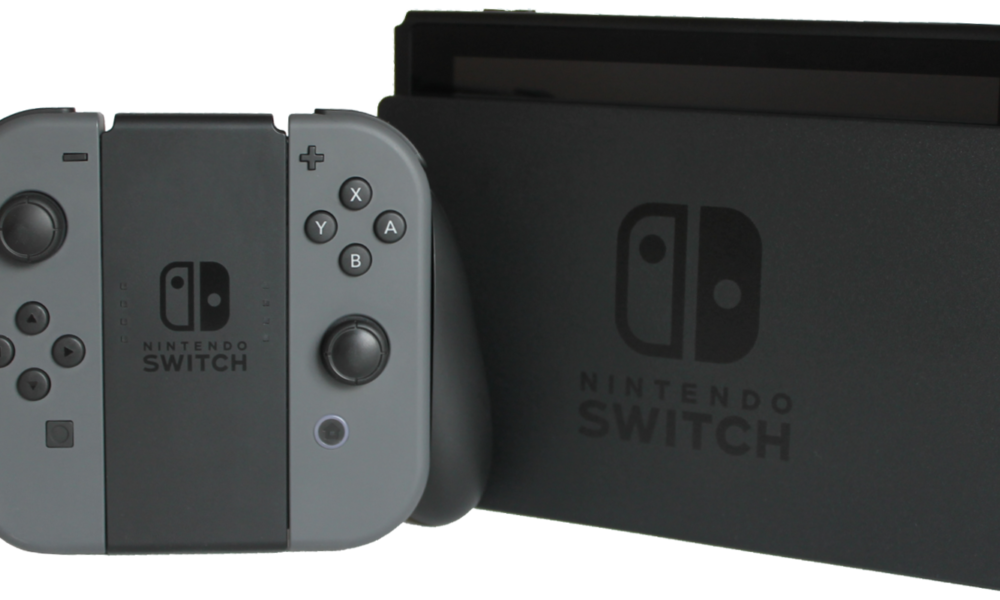
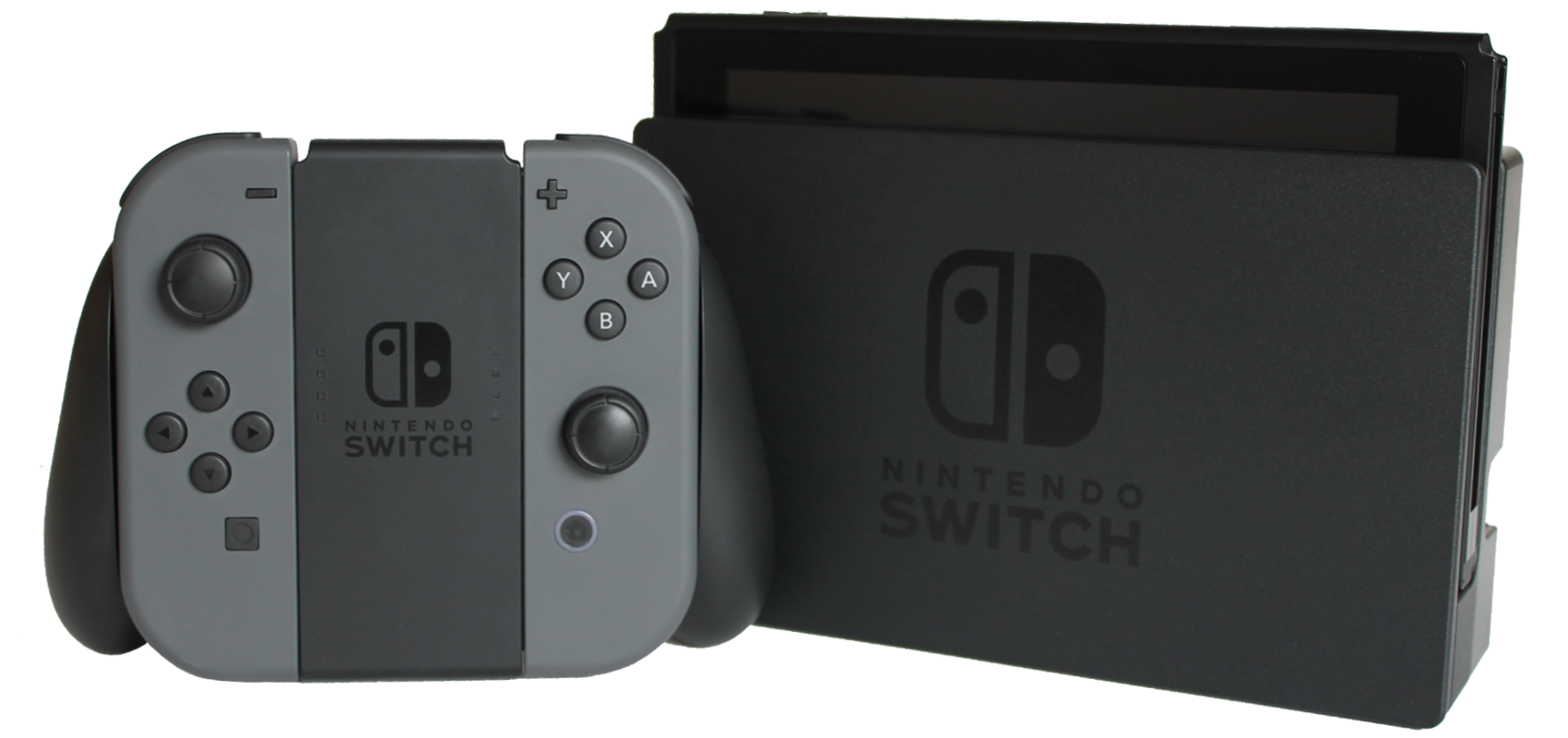
Rumors should be labeled as rumors. Do not preorder an unofficial “Roblox Switch” cartridge, buy an unverifiable activation key or assume that a YouTube thumbnail showing Joy-Cons beside a Roblox logo is an announcement.
Frequently asked questions
How do I download Roblox on Nintendo Switch?
You cannot download an official native Roblox Switch client based on the available official information checked October 12, 2026. Search the Nintendo eShop and Roblox’s own announcements for any future change.
Is Roblox on Nintendo Switch Lite or Switch OLED?
No verified Roblox app exists for either model. The different Switch designs do not change the lack of an official Roblox Nintendo release.
Can I play Roblox on Nintendo Switch 2?
No official Switch 2 Roblox release was verified in the official material reviewed. A newer console does not automatically run Roblox.
Does Nintendo Switch Online include Roblox?
No official Roblox access is documented as part of Nintendo Switch Online. An online subscription cannot install a game that lacks an official Switch client.
Can I sign into Roblox using my Nintendo Account?
A Nintendo Account is not a replacement for a Roblox login. Use official Roblox sign-in methods on supported devices.
What if a video says Roblox works using DNS or a hidden browser?
That does not demonstrate an officially supported Roblox client on Nintendo hardware. Avoid third-party downloads and password requests, and verify any platform announcement with Roblox and Nintendo.
Bottom line
There is no verified official way to install and play Roblox natively on Nintendo Switch or Switch 2 as of October 12, 2026. The safest, most useful path is to use a device Roblox does support and monitor first-party announcements for a possible Nintendo launch. We will update this guide if Roblox or Nintendo publishes a verifiable release.

How to Set a Default Printer in Windows 11 (and Stop It Changing)