
Quick answer: Roblox provides normal supported experiences on a range of platforms including Windows, macOS and mobile, but Linux desktop is not generally listed as an official Roblox Player platform. A download link claiming to be a fully supported Roblox-for-Ubuntu instal
First steps
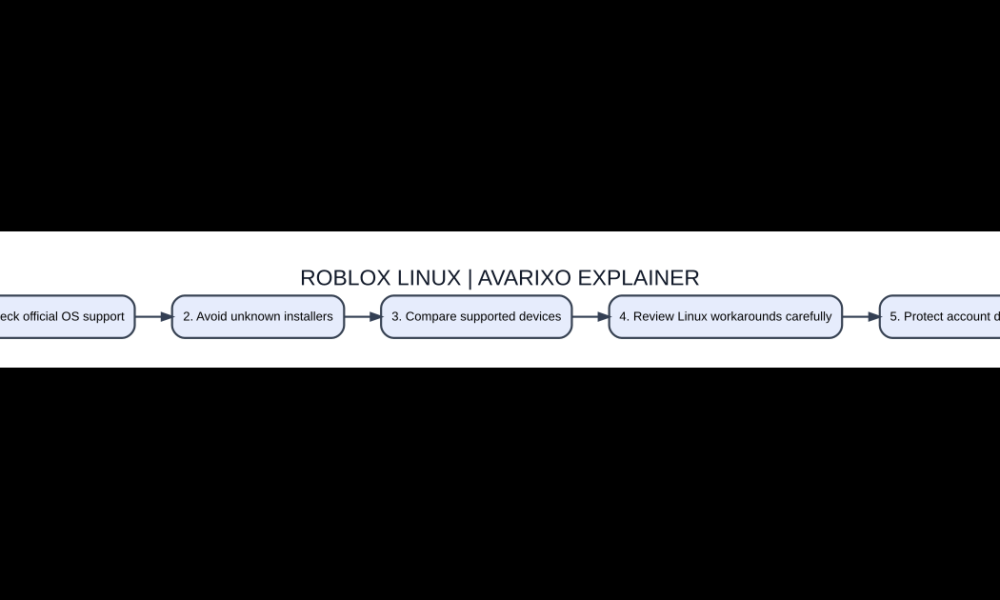
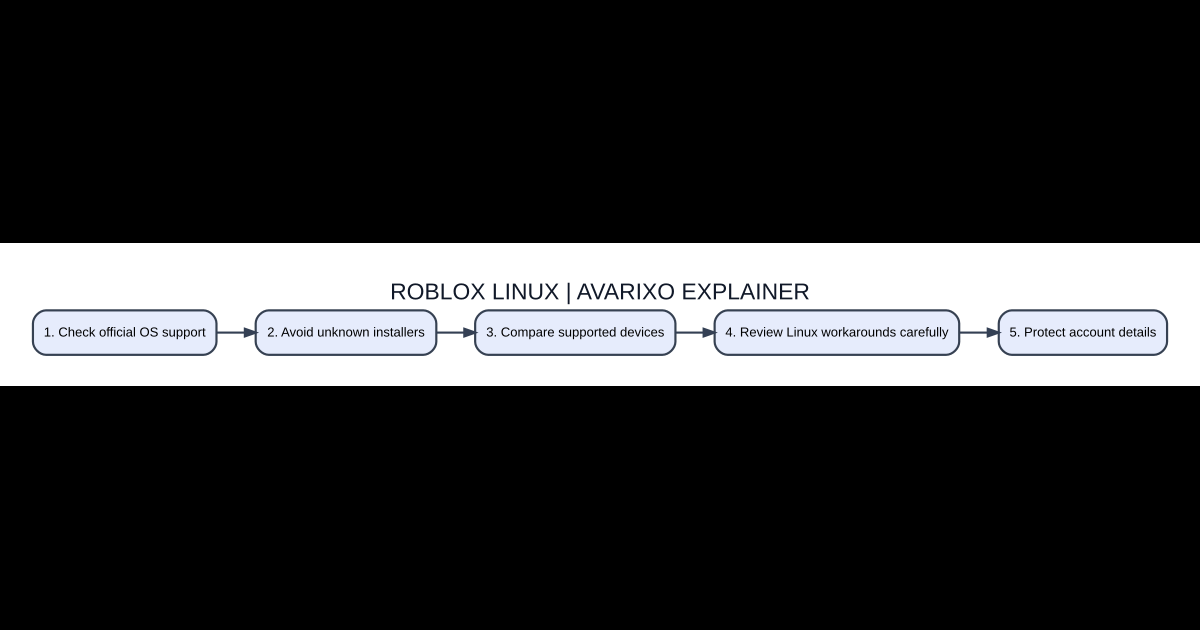
- Check official OS support
- Avoid unknown installers
- Compare supported devices
- Review Linux workarounds carefully
- Protect account details
Does Roblox have an official Linux desktop client?
Roblox provides normal supported experiences on a range of platforms including Windows, macOS and mobile, but Linux desktop is not generally listed as an official Roblox Player platform. A download link claiming to be a fully supported Roblox-for-Ubuntu installer should therefore be verified with care. Roblox Studio and Roblox Player also have different system requirements; a website offering a Linux Studio archive does not prove the official game client works. Check current Roblox support pages because supported platforms can change over time.
Why many Wine tutorials are unreliable
Wine and related compatibility environments attempt to run Windows applications on Linux, but game-level protections, launchers, updates and dependencies can prevent a title from working even if it appears to install. Roblox security and anti-tamper components have affected Wine compatibility in various periods. Do not interpret a successful old screenshot as proof that the current Roblox player will launch after a new update. Avoid disabling security features or installing altered clients solely to evade platform restrictions.
Understand community-created alternatives
Some Linux communities have built experimental methods for running Roblox through compatibility layers or using another platform’s build. These are not necessarily official Roblox products. They may stop working after a Roblox update, lack full feature support or create uncertainty about account safety. If considering a project, inspect its actual open-source repository, release history and documentation rather than following a random copied shell script. Never paste your Roblox authentication cookie into a third-party terminal command.
Supported hardware as a safer route
If reliable Roblox access is the priority, a device running a currently supported Windows or macOS release, or a supported mobile or console version, is generally simpler than maintaining a fragile unofficial Linux setup. You can still keep Linux for other activities while playing through a separate supported device. Before making hardware purchases, review Roblox’s current system requirements, graphical capability and regional store availability rather than assuming any old laptop will perform well.
Remote play is not equivalent to a Linux client
If you already own a capable Windows computer, a legitimate remote-desktop or game-streaming setup may display that computer’s game on another screen, depending on service and rules. In that situation the Windows computer is doing the actual execution; Linux is only receiving a stream. Input latency, network quality and privacy still matter, and not every remote service permits every game. Do not advertise an unknown cloud website that requests a Roblox password as a verified official solution.
How to spot a fake Linux installation guide
Warning signs include a ‘Roblox Linux crack’ download, a prompt to turn off antivirus permanently, a demand for account cookies, or a promise that a hidden command unlocks all games and Robux. A real compatibility project can explain exact supported versions and known limitations. If none of that evidence exists, do not install it. The most useful answer to a broken workaround may simply be that the current official platform support does not include the device.
Compare these options
| Topic | Meaning | What to do |
|---|---|---|
| Windows Roblox Player | Official mainstream desktop route | Supported Windows device |
| macOS Roblox Player | Official supported desktop route | Compatible Mac |
| Linux community workaround | Unofficial and changeable | Research risks first |
| Remote Windows PC | Streams supported system’s output | Requires separate host |
Common questions
Is Roblox natively supported on Linux?
Do not assume an official Linux desktop client exists; check Roblox’s current supported-platform list.
Will Wine automatically run Roblox?
No. Compatibility can break due to launch and anti-tamper requirements.
Should I share Roblox cookies with a launcher?
Never share authentication tokens with untrusted tools.
Can I play through a Windows computer remotely?
Some legitimate streaming workflows may be possible, but the host computer still runs the game.
Further guides
See AVARIXO’s Roblox games overview and R6 versus R15 avatar basics. Check the game’s live official Roblox listing for supported devices and age-related features; avoid third-party downloads that request Roblox account passwords.

Other Articles