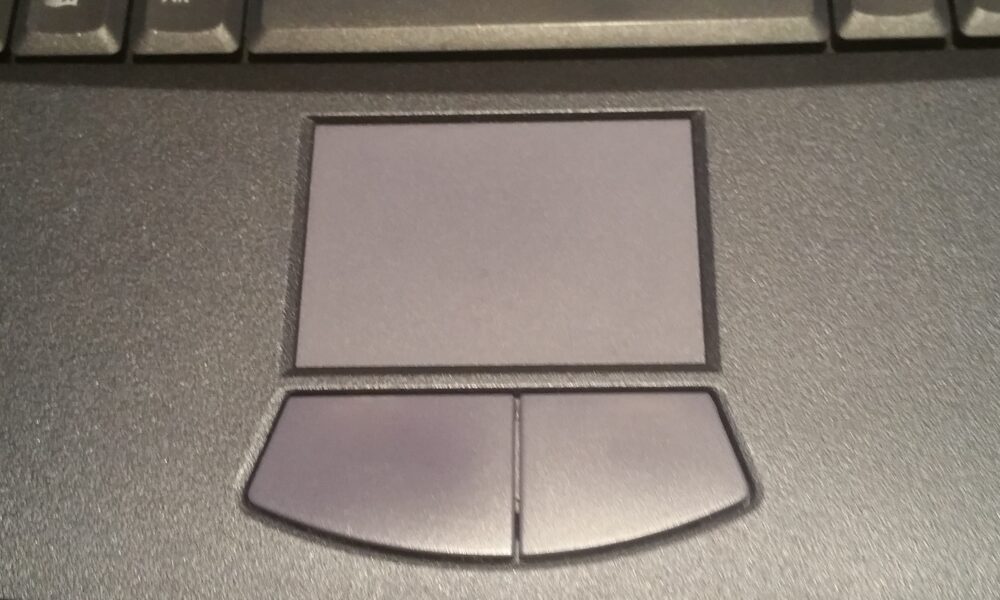

You can play Roblox on a laptop without an external mouse by using the keyboard for movement and the built-in touchpad for pointing and camera adjustments. For games in which dragging the camera is awkward, switching Roblox’s Camera Mode to Follow can help because the view turns with your character. Controls are not identical in every Roblox experience: developers can limit camera settings or assign their own actions.
Information verified against Roblox, Microsoft and Apple support materials on October 12, 2026. This is an instructional guide, not a claim that every experience or touchpad was personally tested.
Quick answer: Roblox controls when you have no mouse
| What you want to do | Try this on a laptop | Important limitation |
|---|---|---|
| Walk or run | Use the W, A, S and D keys in experiences with standard movement. | Some experiences assign different controls. |
| Jump | Press Space in experiences that use the standard jump action. | A game may change or disable jumping. |
| Select menus and buttons | Move the cursor with the touchpad and tap or click. | Touchpad tap-to-click may need enabling. |
| Look around | Try Camera Mode: Follow, or use a touchpad gesture that emulates right-click and drag. | A game’s developer may lock the camera mode; touchpad gestures vary. |
| Open the Roblox in-experience menu | Press Esc or use the menu button if available. | Specific layouts and shortcuts can differ. |
Method 1: Play with the laptop keyboard and touchpad
- Open Roblox and join an experience. Keep your hands on the laptop rather than trying to connect a USB or Bluetooth mouse.
- Move with the keyboard. In an experience with familiar PC controls, use W to move forward, S backward, and A/D sideways. Try Space to jump.
- Use the touchpad for buttons. Slide one finger across the touchpad to move the on-screen cursor. Tap or click a Roblox menu button to select it.
- Open the in-experience Help panel. Roblox says this panel displays the keyboard shortcuts, mouse instructions and gestures that apply to the experience. Check it before assuming a control is universal.
- Adjust the camera only as needed. If the trackpad does not make right-dragging comfortable, use the camera method below instead of repeatedly changing random controls.
The main distinction is between movement and camera control. A keyboard can handle movement while a touchpad handles pointing. You do not need to make a touchpad behave exactly like a separate gaming mouse for every task.
Method 2: Change Roblox Camera Mode to Follow
Roblox’s official settings guide describes two camera modes. In Classic, you manually move the camera; the typical mouse action is to hold the right mouse button and drag. In Follow, the camera rotates with your avatar as you turn left or right. That can be easier when you have no physical mouse.
- While playing, open the Roblox menu and choose Settings.
- Look for Camera Mode. If you are allowed to change it, try Follow.
- Return to the game and use the movement keys to see whether the view follows your character more comfortably.
- If you need independent camera movement again, return to Settings and choose Classic, if the option is available.
What if Camera Mode is missing or locked? Roblox notes that experience developers may force a camera mode. In that case, you cannot guarantee the Follow option will appear. Look at the experience’s Help panel for its supported input method, and consider another experience when a precise independent camera is essential.
Can you right-click and drag with a laptop touchpad?
Sometimes. A touchpad’s secondary click can stand in for the mouse’s right button, but right-clicking once is not necessarily the same as holding the right button while dragging. The latter is what Roblox’s Classic camera normally expects. Hardware drivers, touchpad settings and the operating system determine whether a press-and-drag gesture is supported.
On Windows 11
- Go to Settings → Bluetooth & devices → Touchpad. Make sure the touchpad is enabled.
- Check Taps and the secondary-click options. Microsoft’s guidance describes two-finger tapping or pressing the lower-right corner as common right-click methods.
- Try a physical press-and-drag combination if your touchpad has an actual or simulated right-button area. Test gently in an experience where camera movement is safe to try.
- If it opens a menu but does not rotate the camera, return to Roblox and use Follow instead. Do not assume two-finger scrolling is equivalent to holding the right mouse button.
On a MacBook
Apple describes a two-finger tap or click as Secondary click. Configure it under System Settings → Trackpad if needed. A two-finger click by itself does not guarantee that Roblox will interpret a continued drag as a held right mouse button. If independent camera movement remains awkward, check Roblox’s Follow mode and the individual experience’s controls.
Does Shift Lock solve the no-mouse problem?
It can help with camera alignment in experiences that support the feature. Roblox’s settings documentation says the Shift Lock Switch, when available, allows keyboard toggling using the Shift key. Availability depends on the experience and its camera setup.
However, Shift Lock is not a universal replacement for a mouse. It does not create a cursor for menu buttons, and it does not override every developer-imposed camera restriction. For additional setup guidance, see AVARIXO’s Roblox Shift Lock guide.
Why your Roblox camera may not move on the touchpad
| Symptom | Likely issue to check | What to do |
|---|---|---|
| Cursor does not move anywhere | Touchpad disabled or a driver problem | Enable it in system settings; follow the computer maker’s support instructions if it still fails. |
| Touchpad clicks menus but will not turn the camera | Secondary click is working, but right-button dragging is not | Try Follow mode; check Help for camera input supported by the experience. |
| Camera Mode cannot be changed | The experience may lock that setting | Use its intended controls or choose a different experience. |
| Shift does nothing | Shift Lock not supported or not enabled | Check Roblox settings and the game’s Help panel; do not rely on Shift Lock for every game. |
| Moving or turning feels sluggish | Low frame rate or demanding graphics | Lower graphics in Roblox, close demanding background apps and check input behavior again. |
If the problem is stutter rather than pointing, AVARIXO also has a separate Roblox graphics and FPS guide. The two problems have different causes, so changing sensitivity or camera mode will not necessarily fix frame drops.
What about playing on a Chromebook or a touchscreen laptop?
Chromebooks have different installation and input considerations from Windows laptops and MacBooks. See our Roblox on Chromebook guide for the supported installation route. On a touchscreen convertible laptop, touch controls depend on the Roblox client and experience; a touch-capable display does not mean every desktop experience uses phone-style on-screen joysticks.
If you play an experience built around precise aiming or constant right-mouse dragging, a physical mouse or supported game controller may still be more practical. That is a limitation of the game’s input design, not proof that every Roblox experience requires a mouse.
Frequently asked questions
Can I play Roblox using only the keyboard?
You can navigate and move through portions of many experiences using keyboard controls, but a fully keyboard-only session is not guaranteed. Some menus, camera actions and creator-defined interactions require pointer input. Use the in-experience Help panel to check the controls for the game you joined.
Why can I move in Roblox but not look around?
Movement keys and camera controls are separate. In Classic mode, Roblox normally expects a right-button drag for camera rotation. Try Follow mode when available, or check whether your touchpad can send a sustained secondary-button drag.
Does tapping with two fingers zoom the Roblox camera?
Not by itself. Two-finger tapping commonly sends a right-click. On some touchpads, two-finger scrolling emulates a mouse wheel and may affect camera zoom, but behavior depends on the device, driver and experience. Test the gesture in the experience rather than treating it as universal.
Is playing Roblox without a mouse allowed?
Yes. Using the laptop’s built-in keyboard and touchpad is an ordinary way to control a computer. The main issue is whether the specific Roblox experience supports the input actions you need.
Official sources and image license
- Roblox Support — In-experience Settings and Help (camera modes, Shift Lock availability, Help panel).
- Microsoft Support — Touch gestures for Windows (secondary click and touchpad gestures).
- Apple Support — Use Multi-Touch gestures on Mac (secondary click).
- Featured photograph: “Sony Vaio Touchpad” by CinemaLover24680, CC BY-SA 4.0. The image shows a physical touchpad, not an actual Roblox gameplay session.

Other Articles

