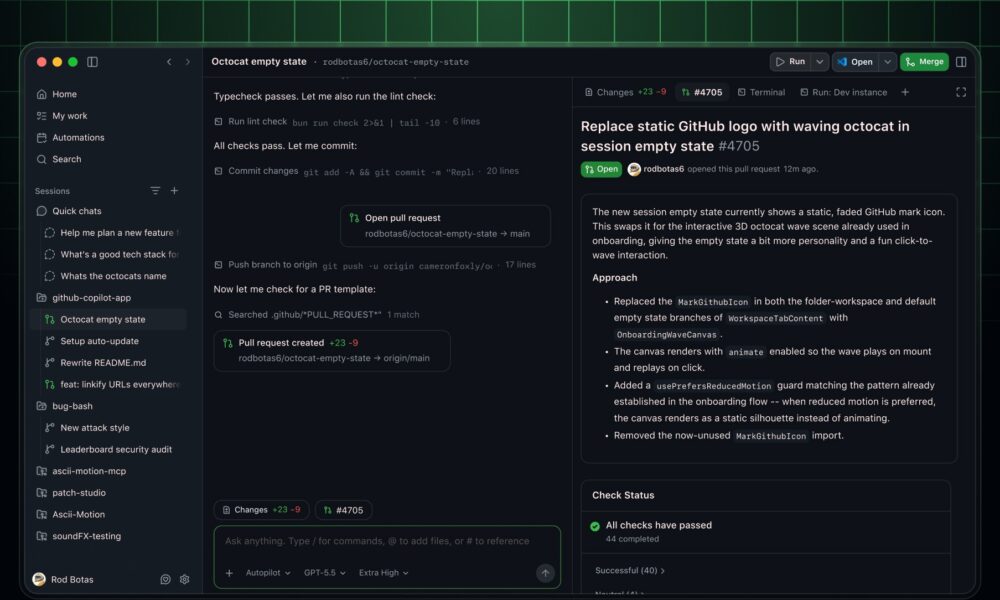

Quick answer: GitHub made local sandboxing for Copilot generally available on October 7, 2026. It is available in GitHub Copilot CLI, the GitHub Copilot app, and VS Code sessions that use Agent Host. The feature creates a policy-controlled execution boundary around commands and tools that Copilot runs on a developer’s machine, limiting access to files, networks, credentials and other system capabilities. GitHub says local sandboxing is included with Copilot at no additional cost.
What changed with GitHub Copilot local sandboxing?
GitHub’s October 7 release moves local sandboxing from an earlier preview into general availability. The important change is not a new AI model. It is a security boundary around what an agent is allowed to do after it decides to run a command or invoke a local tool.
That distinction matters as coding assistants become more agentic. A model may be capable of editing files, running tests, invoking package managers, calling command-line tools or connecting to local services. Sandboxing gives developers and administrators a way to constrain those actions instead of granting the agent the same unrestricted local access as the user account running it.
Where is local sandboxing available?
| Copilot surface | Status |
|---|---|
| GitHub Copilot CLI | Generally available |
| GitHub Copilot app | Generally available |
| VS Code with Agent Host | Generally available |
GitHub describes the feature as applying to local agent workflows. It is separate from the cloud sandboxing options used by some remote or hosted agent experiences.
What can the sandbox restrict?
According to GitHub, local policies can control several high-risk areas:
- Filesystem access: policies can limit which files and directories agent-run commands may read or modify.
- Network access: organizations can restrict internet access and access to local networks.
- Credentials: access to Git credentials and GitHub CLI credentials can be controlled.
- Local tools: sandboxing can apply to local tools and services, including local MCP servers and language servers where supported.
- Enterprise enforcement: managed settings can require sandboxing and prevent developers from weakening organization-defined policies.
What is Microsoft eXecution Container (MXC)?
GitHub says the feature is powered by Microsoft eXecution Container, or MXC. Rather than relying on one operating-system-specific isolation method, MXC translates a common policy into native controls on Windows, macOS and Linux.
For teams that work across different operating systems, that common policy layer is significant. It reduces the need to invent a separate security model for each developer platform while still using the host operating system’s native enforcement mechanisms.
Sandboxing does not change which model Copilot uses
GitHub explicitly separates model execution from tool isolation. A sandbox policy applies to tool execution regardless of the model selected in Copilot. Switching to another supported model does not automatically remove the sandbox boundary, and enabling sandboxing does not itself change model intelligence.
This is useful for security reviews because teams can evaluate the two questions independently: which model is appropriate for a task, and which local resources should the agent be allowed to access while performing that task.
Why this matters for autonomous coding workflows
The more autonomy an AI coding agent receives, the larger the potential blast radius of a bad command, an unsafe dependency script, a compromised local tool or an incorrect instruction. A sandbox cannot guarantee that every generated command is correct, but it can reduce the amount of the machine that a command is able to reach.
For example, a repository-specific agent may need write access to one working directory and internet access to a small set of package or documentation endpoints. It may not need access to unrelated home-directory files, internal subnets or reusable credentials. A policy that encodes those boundaries is more defensible than relying only on the agent to exercise restraint.
What enterprise teams should review first
- Repository boundaries: identify which project paths an agent genuinely needs to modify.
- Network destinations: decide whether unrestricted internet access is necessary or whether approved endpoints are enough.
- Credential exposure: keep Git and GitHub CLI credentials unavailable unless the workflow requires them.
- MCP and language servers: review what local services can do before allowing an agent to call them.
- Policy ownership: for managed environments, use enterprise settings when security controls must not be user-overridable.
Is there an extra charge?
No separate sandboxing fee was announced. GitHub says local sandboxing is included with GitHub Copilot at no additional cost. Normal Copilot plan requirements still apply to the Copilot product itself.
Frequently asked questions
Does GitHub Copilot local sandboxing work on Windows, macOS and Linux?
Yes. GitHub says MXC maps the sandbox policy to native operating-system controls across all three platforms.
Can it block Copilot from reading specific folders?
Yes. Restricting the files and directories that agent-run commands can read or modify is one of the capabilities GitHub lists for the GA release.
Can organizations force developers to use the sandbox?
GitHub says enterprise-managed settings can require sandboxing and enforce policies that developers cannot weaken.
Does changing the AI model bypass the sandbox?
GitHub says model execution and tool isolation are separate concerns, and sandbox policies apply to tool execution regardless of the model in use.
Sources: GitHub Changelog, October 7, 2026. For more AI and software coverage, see AVARIXO AI & Tech and our GitHub ReviewBench explainer.

Other Articles

Galaxy Tab S12 $100 eVoucher: How the $20 Deal Works