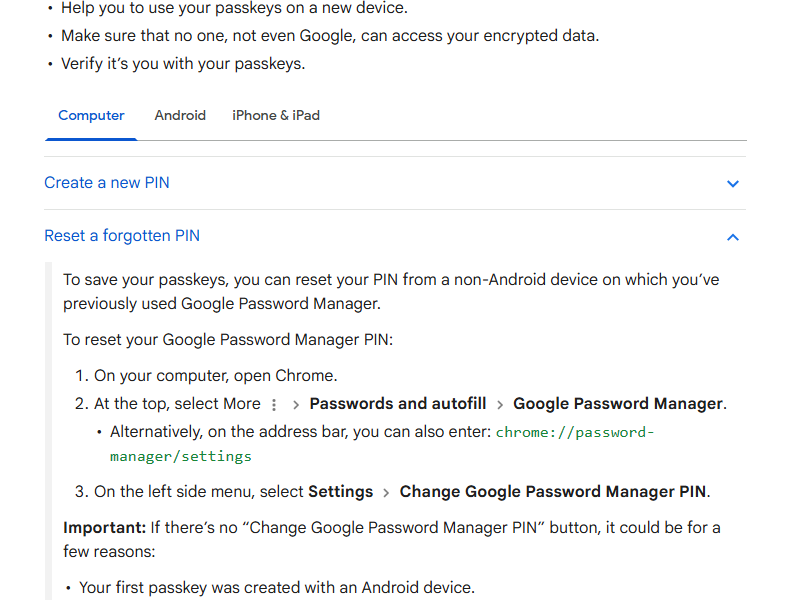

Quick answer (checked October 13, 2026): Google Password Manager is built into Chrome and can save, autofill, edit and check passwords. On desktop, open Chrome → More → Passwords and autofill → Google Password Manager. Use Checkup to review credentials Google identifies as compromised or weak.
Save passwords in Chrome
When password saving is enabled, Chrome can offer to save credentials after a successful sign-in. Before accepting, check which Google Account or Chrome profile is active so a work password does not accidentally end up in a personal profile or vice versa.
View and edit saved credentials
Open Google Password Manager and select the relevant site. Chrome can require your computer’s authentication before revealing or editing sensitive details. Do not expose a password while screen sharing or in a public place.
Run Password Checkup
Google Password Manager’s Checkup can identify passwords exposed in known breaches and passwords that are weak or reused. A warning does not mean Google caused the breach; it means the credential should be changed on the affected service.
Change compromised passwords quickly
Prioritize email, financial and primary identity accounts because they can be used to reset other services. Use a unique replacement rather than changing several sites to the same new password. Chrome also supports automated password changes on some compatible sites, but availability varies.
Use two-factor authentication too
A password manager solves the problem of remembering unique credentials; it does not replace multifactor authentication. Enable a passkey, authenticator app, hardware key or another strong second factor where the service supports it.
Understand sync and local storage
Passwords can be associated with your Google Account or stored in the current Chrome environment depending on how you use Chrome. Before deleting a Chrome profile or resetting a device, confirm where your credentials are stored and that you can sign back into the Google Account.
Export passwords only when necessary
An exported password file can contain readable credentials. If you must export for migration, store it temporarily in a secure location, import it into the destination password manager and securely delete the plain file afterward.
Gemini sign-in permissions
Google’s current Chrome help also documents optional permissions that can let Gemini in Chrome use Google Password Manager to sign in to selected sites. Review these permissions under Chrome’s AI settings if you use that feature. Google says your passwords are not shared with Gemini or other sites.
FAQ
Where is Password Checkup?
Open Google Password Manager and choose Checkup.
Does Google see my saved passwords?
Google states that usernames and passwords are protected so they cannot be read by Google.
Should I reuse a strong password?
No. Use a unique password for each important service so one breach does not expose multiple accounts.
Official reference

Other Articles

Chrome Themes: Install, Customize and Restore the Default
Chrome Extensions: Find, Install, Manage and Remove Safely
