
Quick answer: Minecraft Morph is a general name used for mods that let a player adopt the appearance or form of different creatures, often called mobs. The exact project matters: a classic Morph mod, a newer successor or an unrelated add-on can implement
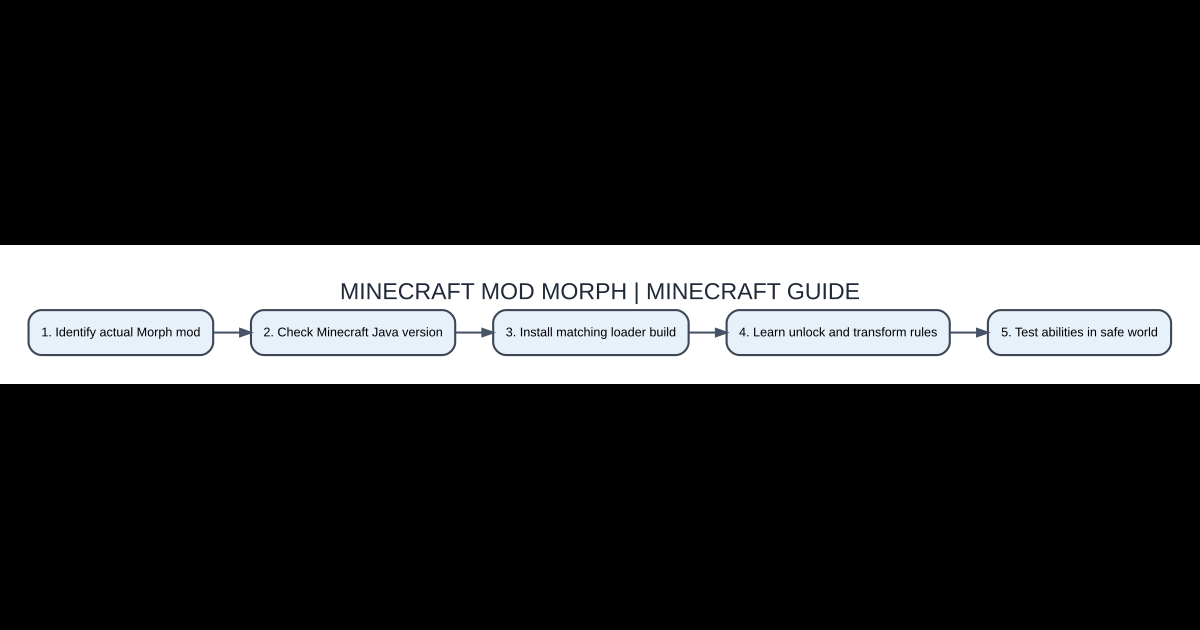
Setup checklist
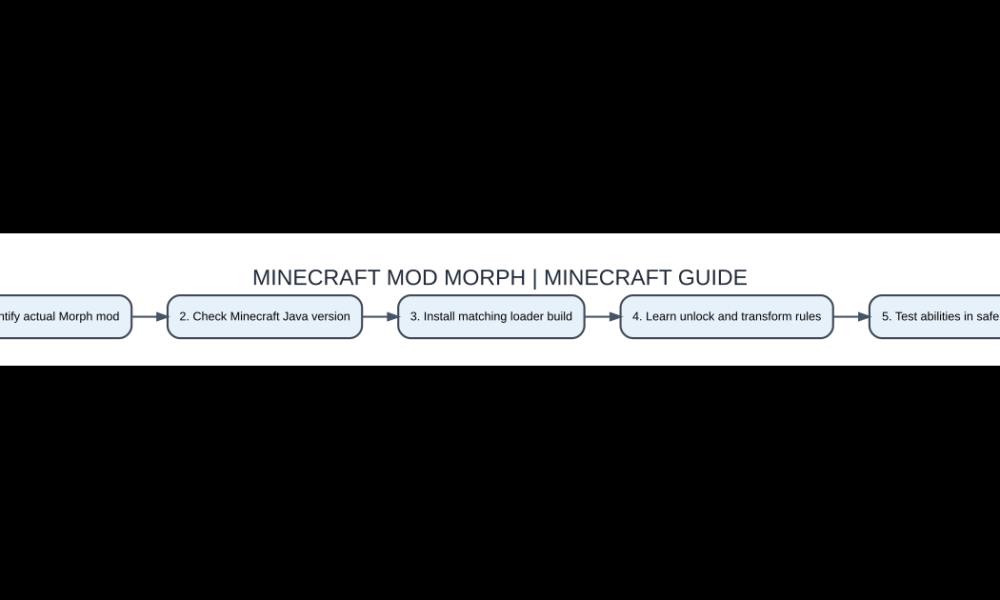
- Identify actual Morph mod
- Check Minecraft Java version
- Install matching loader build
- Learn unlock and transform rules
- Test abilities in safe world
What Morph mods do
Minecraft Morph is a general name used for mods that let a player adopt the appearance or form of different creatures, often called mobs. The exact project matters: a classic Morph mod, a newer successor or an unrelated add-on can implement entirely different transformation controls. Some versions allow powers related to a creature’s movement or abilities, while others provide only a visual form. Do not assume that transforming into a bat guarantees flight in every game or that every hostile mob is available.
Check the actual creator and release
Search results for morph mods include many separate authors, loaders and versions, including old Java releases and Bedrock add-ons that may use similar names. Verify the project owner, download source, Minecraft version and dependency list. Avoid executable ‘morph installer’ files that ask for your Microsoft password. In Java, the usual path is a compatible modded launcher profile with the correct JAR placed into its mods directory. Some modern releases have different keybinds or progression systems from the popular historical mod.
Unlocking forms can work differently
A classic-style Morph experience may add forms after defeating or encountering certain mobs, while another project may use a menu, crafted item or ability progression. Read the selected release’s current instructions before grinding mobs unnecessarily. Some creatures may be excluded for balance or technical reasons. Use a safe creative test world to learn the unlock method and check whether forms persist after death or relogging. Do not promise that a specific rare boss is morphable without confirming that the chosen version supports it.
Controls, scale and special movement
Transformation can change the player model’s size or visual appearance, but collision, flight, swimming, damage resistance and other features are subject to the mod’s actual implementation. A tiny mob model does not necessarily fit through every small opening, especially in multiplayer. Check keybindings in Minecraft options if the morph menu does not appear. Test each movement ability away from cliffs, lava and combat because unsupported powers or bugs can quickly lead to item loss.
Compatibility and server behavior
Client-side appearance modification is different from server-authoritative gameplay. If a morph mod changes hitboxes or movement, a modded multiplayer server may need the correct compatible software, and some servers explicitly prohibit it. Read their rules before joining. Large modpacks containing custom entities can cause model glitches when those entities do not have recognized morph data. Test vanilla mobs first, then add third-party content gradually. Ensure other players and the server share a compatible release when required.
Performance, bugs and saved forms
Complex mob models and animations may affect rendering or produce broken textures with some resource packs. If a transformation is invisible, inspect shaders, model-related dependencies and logs before editing world data. Upgrading or removing the mod from an established save can erase or invalidate stored forms, so back up the world and config files first. Keep an ordinary player-form recovery path available and avoid experimenting with unusual shapes while carrying irreplaceable items in Hardcore mode.
Morph versus a simple disguise
A skin or costume changes how a player looks without necessarily altering gameplay. A Morph mod can affect the in-game entity model and sometimes its abilities, depending on project scope. That difference explains why many video tricks do not work with normal Minecraft skins. If you only want a cool appearance for a screenshot, an approved skin or resource pack may be simpler and safer than altering world mechanics. For actual mob powers, choose a mod that documents those features explicitly.
Compare features
| Feature | Role | Practical note |
|---|---|---|
| Morph mod | Change player to mob form | Abilities vary |
| Minecraft skin | Change ordinary player texture | Appearance only |
| Mob abilities | Optional mechanics | Not universal |
| Java mod loader | Execute compatible JAR | Version matched |
| Bedrock add-on | Separate distribution format | Different mechanics |
Frequently asked questions
Does every Morph mod let me fly as a bat?
No. Form abilities depend on the exact project and version.
Can I use Morph in regular vanilla Minecraft?
The transformation mechanic requires a relevant mod or custom add-on.
Why doesn’t the morph menu open?
Check mod loading, current keybind, dependencies and release documentation.
Can forms disappear after updating?
Potentially. Back up saves and follow the project’s migration notes.
Edition and compatibility note
For more Minecraft context, see our Java versus Bedrock guide and resource pack troubleshooting. Always match the exact game release and mod loader, and maintain a tested world backup before updating or removing mods that store inventory or alter entities.

Other Articles
Pick and Roll in Basketball Explained: Reads, Screens and 5 Drills
